Clay Alternative: 10 Best Tools Compared for Data, Enrichment & Workflows (2026)
Table of Contents
Explore Bitscale
Find decision makers, more insights and contact information about this company on Bitscale
Outbound teams don't struggle because they can't send emails. They struggle because finding the right people and getting usable contact data takes too long, and most of that work happens across messy spreadsheets, multiple subscriptions, and hours of manual research.
That's the problem Clay-style tools were built to solve. But Clay isn't the right fit for every team, and the market has matured enough that there are now strong alternatives worth evaluating.
The best Clay alternative for your team depends on where your actual bottleneck sits: data quality, workflow automation, outbound volume, or all three. Here's a breakdown of the ten strongest options in 2026, with honest notes on pricing, strengths, and where each one falls short.
At a high level, teams use Clay-style tools to:
- Build lead lists faster without hours of manual research
- Find verified work emails and direct phone numbers
- Fill in missing firmographic details like job title, company size, industry, and location
- Automate repetitive enrichment steps so reps spend time selling, not copy-pasting
Why teams look for a Clay alternative
Clay is a flexible, workflow-first enrichment platform. It pulls data from dozens of sources, lets you build custom enrichment flows, and connects to outbound tools. For technical RevOps teams with time to configure it, it works well.
The friction shows up in a few common situations:
- Credit costs scale fast. Clay's credit model can become expensive once you're enriching at volume, especially with waterfall enrichment across multiple providers.
- Setup takes real effort. Non-technical SDRs often need RevOps support to build and maintain workflows.
- It's a canvas, not a playbook. Clay gives you flexibility, but that means you're building from scratch rather than starting with pre-built outbound workflows.
- Integrations require configuration. Connecting Clay to HubSpot, Instantly, Smartlead, or Heyreach works, but it takes setup time.
Teams that want faster time-to-campaign, more predictable costs, or a simpler path from enrichment to outreach are the ones most likely to explore alternatives.
What to look for in a Clay alternative
Before comparing tools, get clear on what you're actually trying to replace. Most teams fall into one of three buckets:
- Data quality is the bottleneck. You need better coverage, fresher contacts, and reliable direct dials. Look at database-first tools like ZoomInfo or Cognism.
- Workflow complexity is the bottleneck. You want enrichment plus automation, without needing a developer to build every flow. Look at workflow-first platforms like Bitscale.
- Sending volume is the bottleneck. You have the data; you need a better sequencing engine. Look at cold email tools like Saleshandy or Instantly.
A lot of teams waste budget trying to replace Clay with a single-category tool that only solves one piece. The buying criteria that matter most across all categories:
- Time to first campaign: Can a non-technical SDR get it running without RevOps support?
- Cost per usable lead: Not the sticker price, but how many leads you can enrich and actually contact at your plan level.
- Accuracy at your ICP level: Most vendors are strongest in the US. If your market is EMEA or APAC, verify coverage before committing.
- Stack fit: Does it integrate cleanly with your CRM and outbound tools, or does it require manual exports?
- Support and documentation: Workflow tools are only valuable if your team can actually run them day to day.
10 Best Clay Alternatives in 2026
1) Bitscale: Best workflow-first Clay alternative for outbound execution
Best for: SDR teams, RevOps teams, and outbound agencies that want enrichment, workflow automation, and outbound handoff in one place.
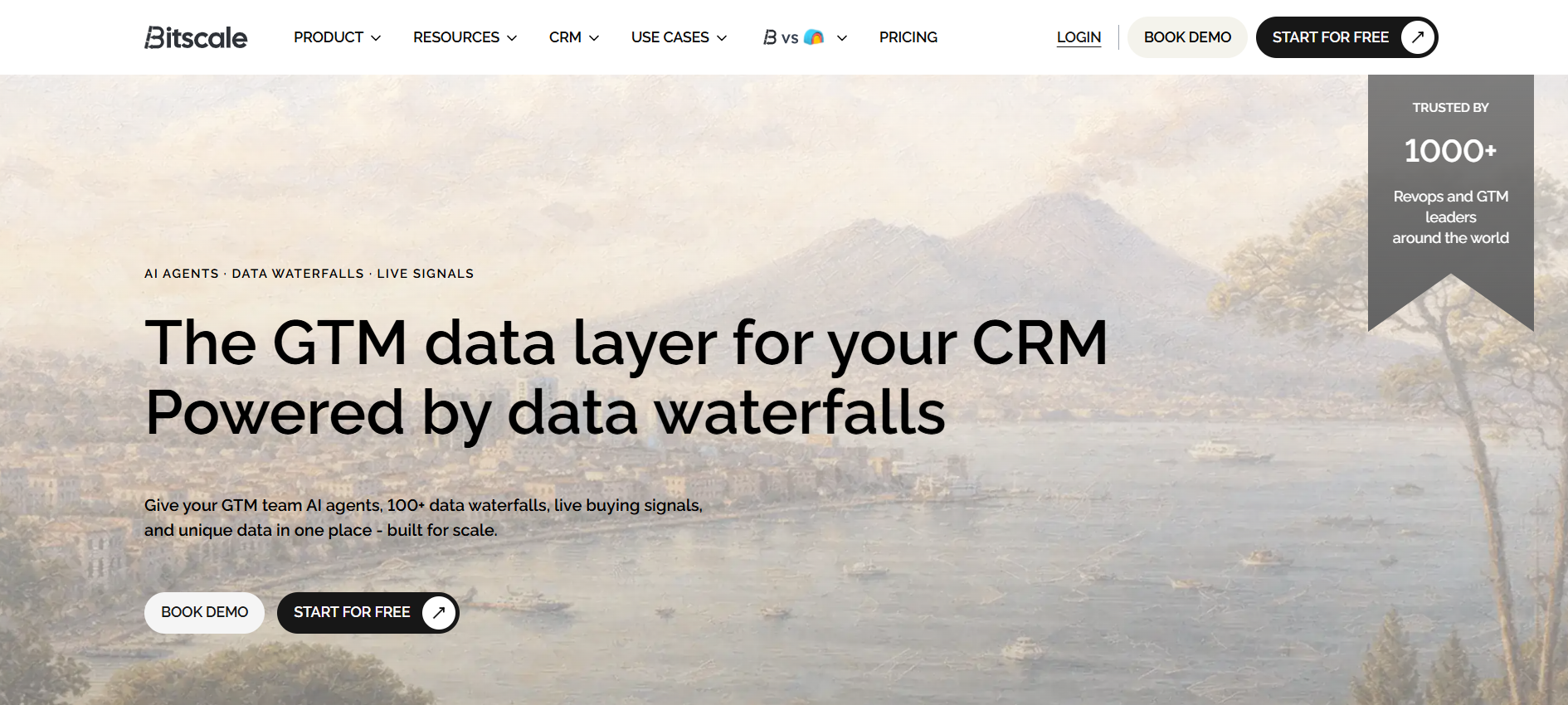
Bitscale is built around the full outbound workflow, not just data pulling. The platform combines multi-source enrichment (email and mobile), pre-built workflow playbooks, and native integrations with HubSpot and popular sending tools like Instantly, Smartlead, and Heyreach. The positioning is clear: source leads, enrich them, and push them into your outbound stack without stitching together five separate tools.
Pricing: Bitscale starts with a Lifetime Free plan, so teams can begin sourcing and enriching leads with no upfront commitment. Paid tiers start at $349/month (Growth). Credit rollover details and upgrade paths are publicly documented, which makes cost planning more predictable than platforms that require a sales call to get pricing.
Where it stands out: The combination of waterfall enrichment, workflow playbooks, and direct integrations with outbound tools is exactly what most teams describe when they search for the best Clay alternative. It's designed for teams that want to run campaigns, not configure infrastructure.
Where it's limited: As a newer platform, Bitscale has a smaller public review footprint than legacy databases. Teams that rely heavily on analyst reports or long review histories for vendor decisions will find less historical data here.
Pros
- Waterfall enrichment across multiple providers improves hit rates versus single-source tools
- Transparent pricing with credit rollover guidance, no surprise overages
- Pre-built integrations with HubSpot, Instantly, Smartlead, and Heyreach reduce setup time
- Free plan lets teams validate fit before committing to paid tiers
Cons
- Smaller legacy reputation compared to enterprise databases like ZoomInfo or Cognism
2) Apollo: Best all-in-one option for SMB prospecting and basic workflows
Best for: Small-to-mid sales teams that want prospecting and outreach in one tool without managing a multi-vendor stack.
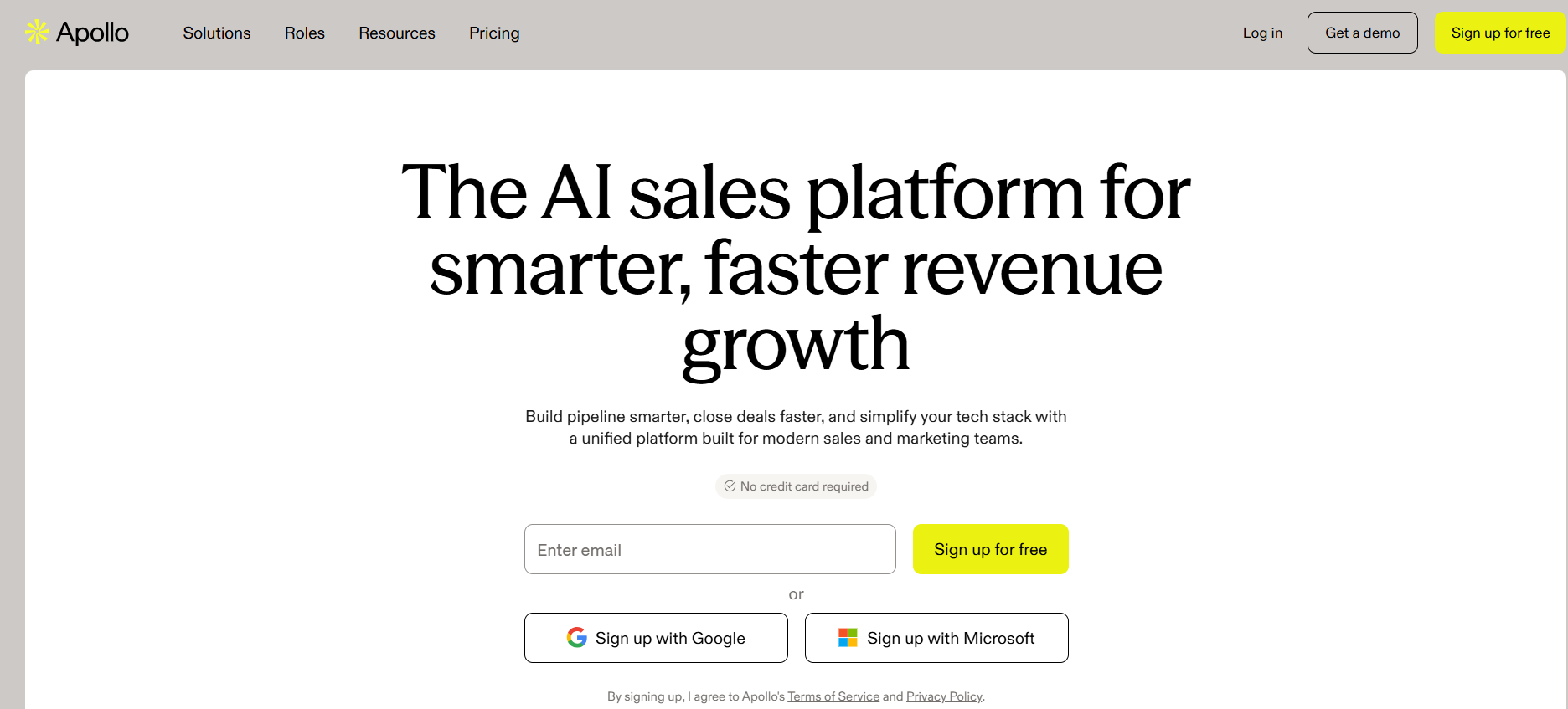
Apollo combines a B2B contact database with built-in sequencing, making it one of the most popular starting points for SMB outbound teams. The filters are strong, CRM sync works well, and the free tier gives teams a low-risk way to test the platform before paying.
Pricing: Apollo's publicly listed tiers show Basic at approximately $49/user/month, Professional at approximately $79/user/month, and Organization at approximately $119/user/month (per G2 pricing listings and Apollo's own pricing page).
Where it stands out: A single tool that takes you from lead discovery to sent sequence is genuinely useful for teams that don't want to manage integrations between separate enrichment and sending platforms.
Where it's limited: Data accuracy is a recurring theme in reviews, particularly for contacts outside the US. The UI can feel overwhelming for new users, and workflow customization has limits compared to dedicated automation platforms.
Pros
- Strong prospecting filters and CRM integrations save time on list building
- Built-in sequencing removes the need for a separate sending tool at lower volumes
- Free tier available for testing
Cons
- Inconsistent data accuracy in some segments and markets
- UI complexity can slow down new users
- Workflow flexibility is limited compared to dedicated platforms
3) ZoomInfo Sales: Best enterprise database alternative
Best for: Enterprise teams that need large-scale contact coverage, firmographic depth, and buying intent signals.
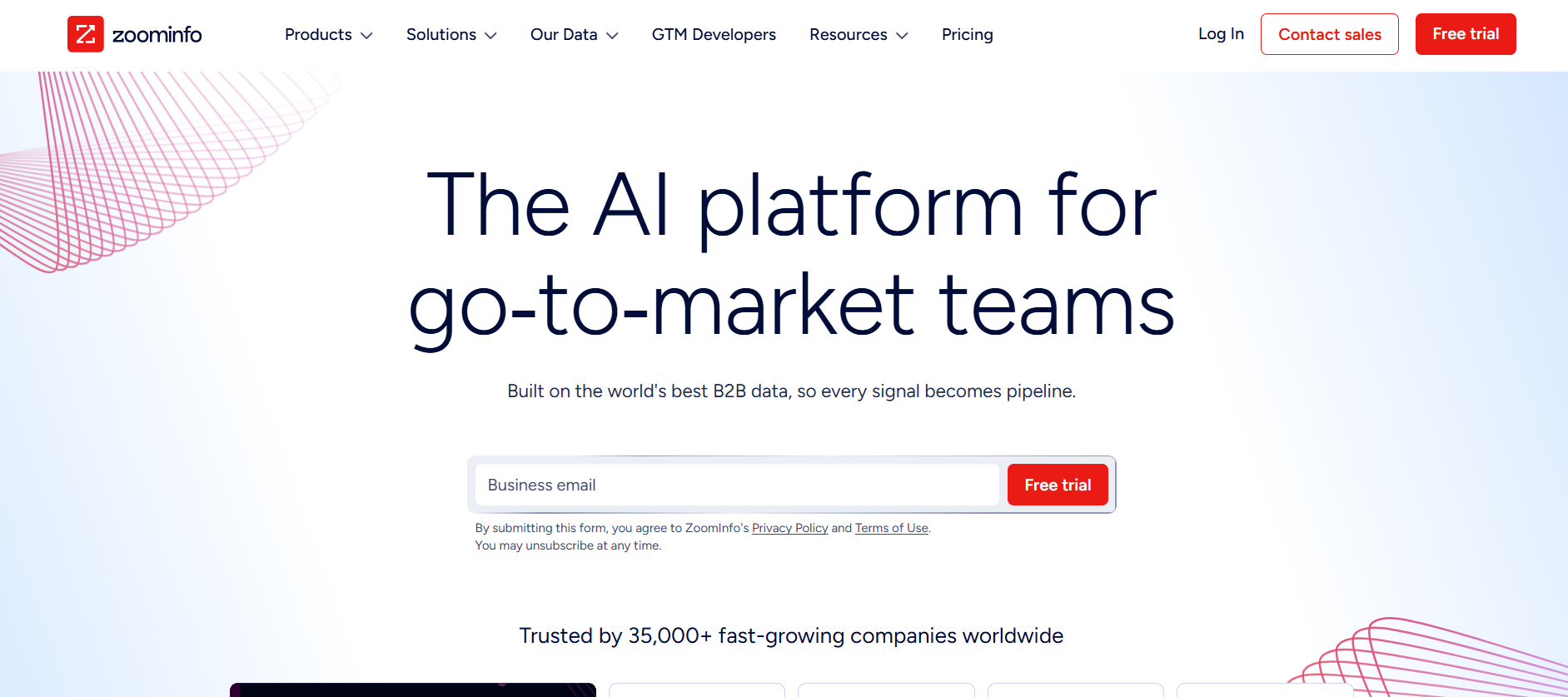
ZoomInfo is the dominant enterprise data platform in B2B sales. It offers one of the largest contact databases available, layered with firmographic filters, technographic data, and intent signals that help account-based teams prioritize outreach. For large revenue teams running complex ABM motions, it's a serious option.
Pricing: ZoomInfo pricing is quote-based. Industry breakdowns commonly cite annual contract ranges of $15,000 to $45,000 or more, depending on seats, data packages, and add-ons.
Where it stands out: Database depth and enterprise-grade account targeting features are genuinely strong. For teams running multi-touch ABM campaigns at scale, the breadth of data is hard to match.
Where it's limited: Cost is the most repeated complaint in reviews. Smaller teams often find they're paying for far more than they use. Outdated contacts still appear despite the platform's scale, and the learning curve can be significant for teams new to enterprise data tools.
Pros
- One of the largest B2B contact databases available
- Strong intent data and firmographic filters for ABM
- Enterprise workflow integrations with Salesforce, HubSpot, and others
Cons
- High cost makes it impractical for most SMB and mid-market teams
- Outdated contacts still surface despite database scale
- Significant learning curve and onboarding investment required
4) Cognism: Best for direct dials and compliance-focused prospecting
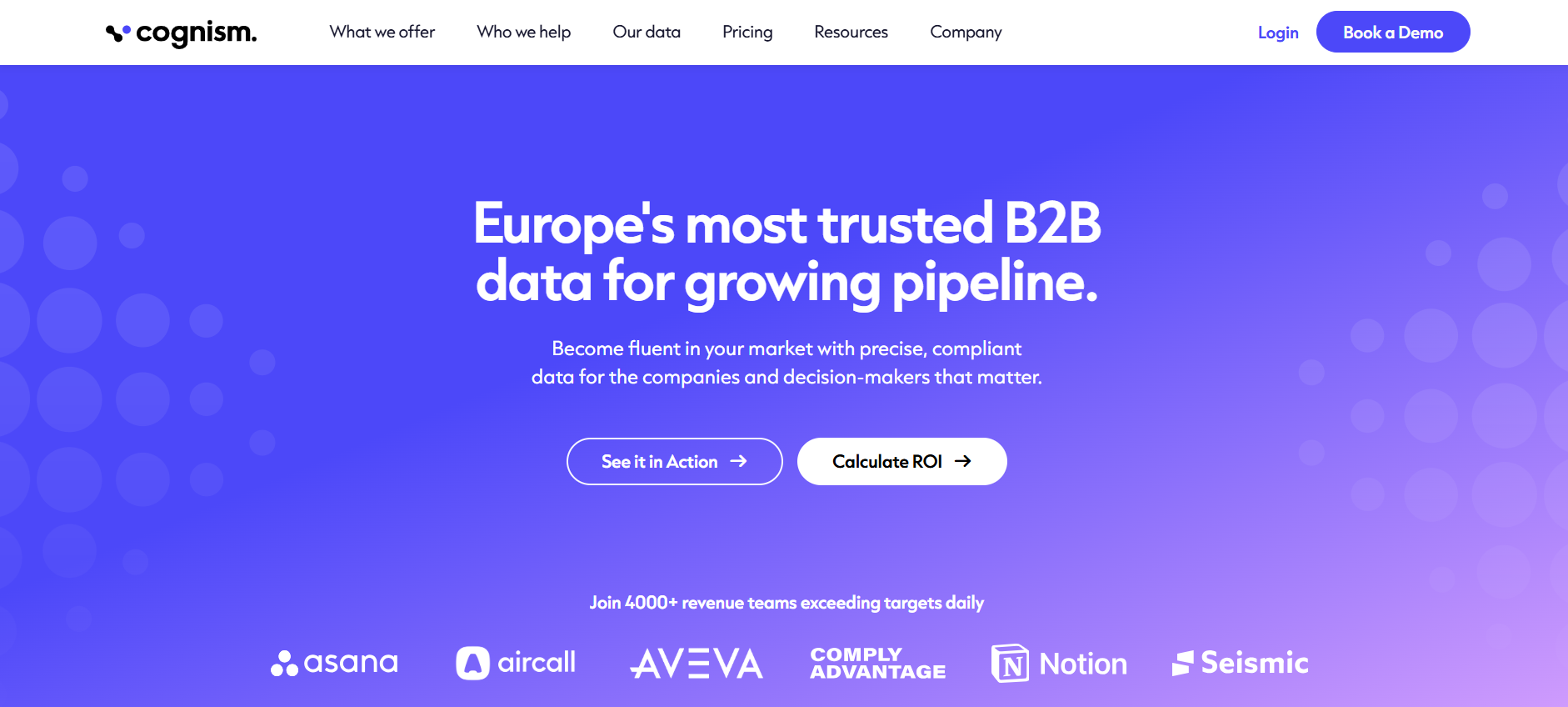
Best for: Teams that prioritize verified phone numbers and need a data provider with a strong compliance posture, particularly for GDPR-regulated markets.
Cognism has built a strong reputation around direct dial accuracy and compliance. Its Diamond Data verification process applies human verification to mobile numbers, which is a meaningful differentiator for teams running phone-first outbound. The platform also maintains GDPR and CCPA compliance documentation that enterprise procurement teams often require.
Pricing: Independent reviews commonly cite Cognism starting around €15,000 per year for some plan structures, though pricing varies significantly by team size and contract terms.
Where it stands out: Direct dial quality and compliance documentation are consistently praised in reviews. For teams where phone outreach is a primary channel, the verified mobile data is a genuine advantage.
Where it's limited: Like all contact databases, records can be outdated or missing, particularly for smaller companies or less common markets. Pricing puts it out of reach for many SMB teams.
Pros
- Strong direct dial accuracy, especially with Diamond Data verification
- GDPR and CCPA compliance posture suits enterprise procurement requirements
- Good coverage in European markets compared to US-centric alternatives
Cons
- Occasional outdated or incorrect numbers still appear
- High entry price limits accessibility for smaller teams
- Coverage gaps exist in some markets and company segments
5) Lusha: Best for quick contact lookup and LinkedIn workflow
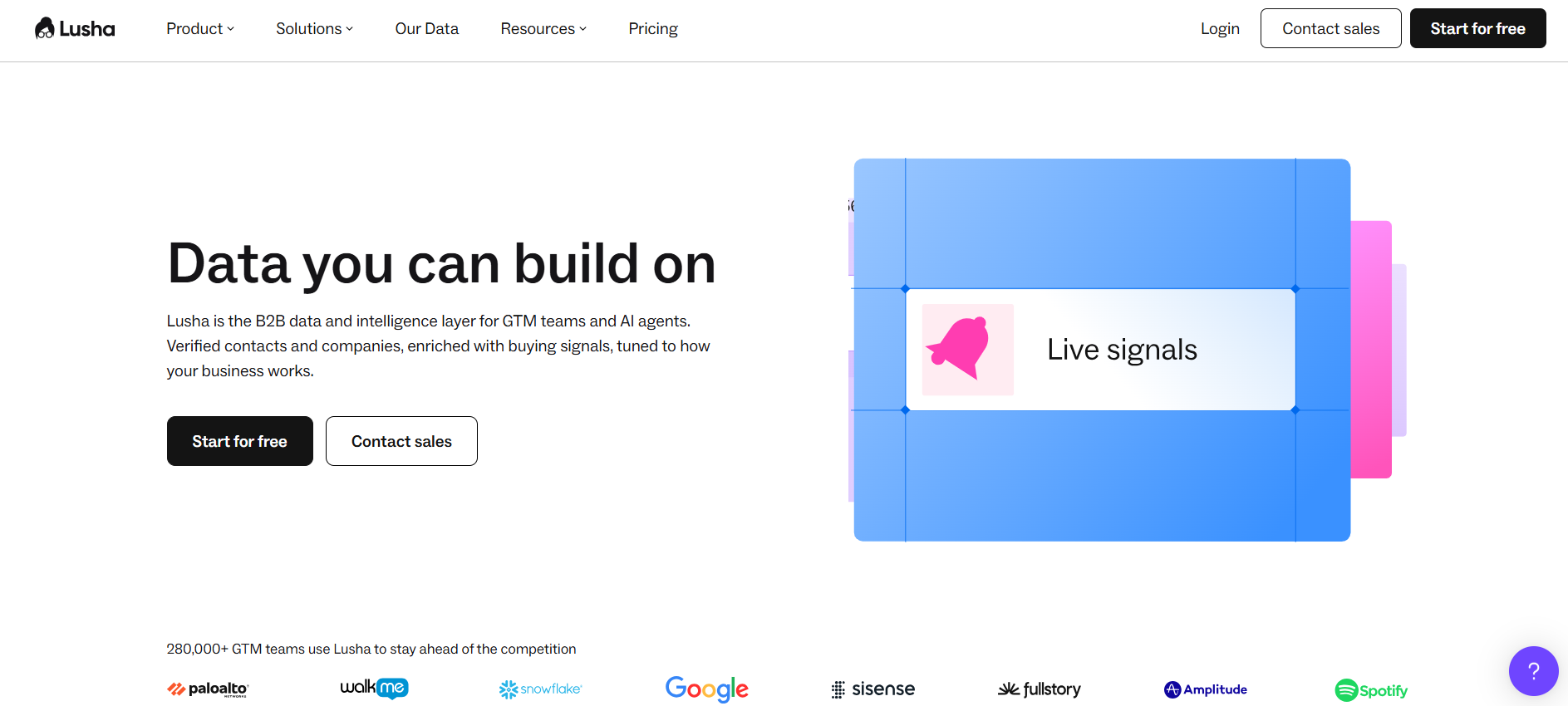
Best for: Reps who need fast contact enrichment directly from LinkedIn or their CRM, without building a full workflow.
Lusha is a browser extension and CRM integration that surfaces contact details while reps are already working in LinkedIn or their CRM. Setup is minimal, the UI is clean, and it's one of the fastest ways to go from "found a prospect" to "have their email and phone number."
Pricing: G2 lists Pro starting at approximately $29.90/month and Premium starting at approximately $69.90/month, both credit-based.
Where it stands out: Speed and ease of use. For individual reps doing targeted prospecting, Lusha removes friction from the contact discovery step.
Where it's limited: Credit burn can be a concern at scale, and accuracy varies by niche and region. Teams running high-volume enrichment often find they need to pair Lusha with other sources to maintain acceptable hit rates.
Pros
- Fast setup and intuitive UI for individual reps
- Smooth LinkedIn and CRM workflow integration
- Accessible entry price for small teams
Cons
- Credit-based model can get expensive at volume
- Accuracy varies by niche and region; teams often pair it with other sources
- Not designed for full workflow automation
6) Kaspr: Best LinkedIn-first enrichment for email and phone credits
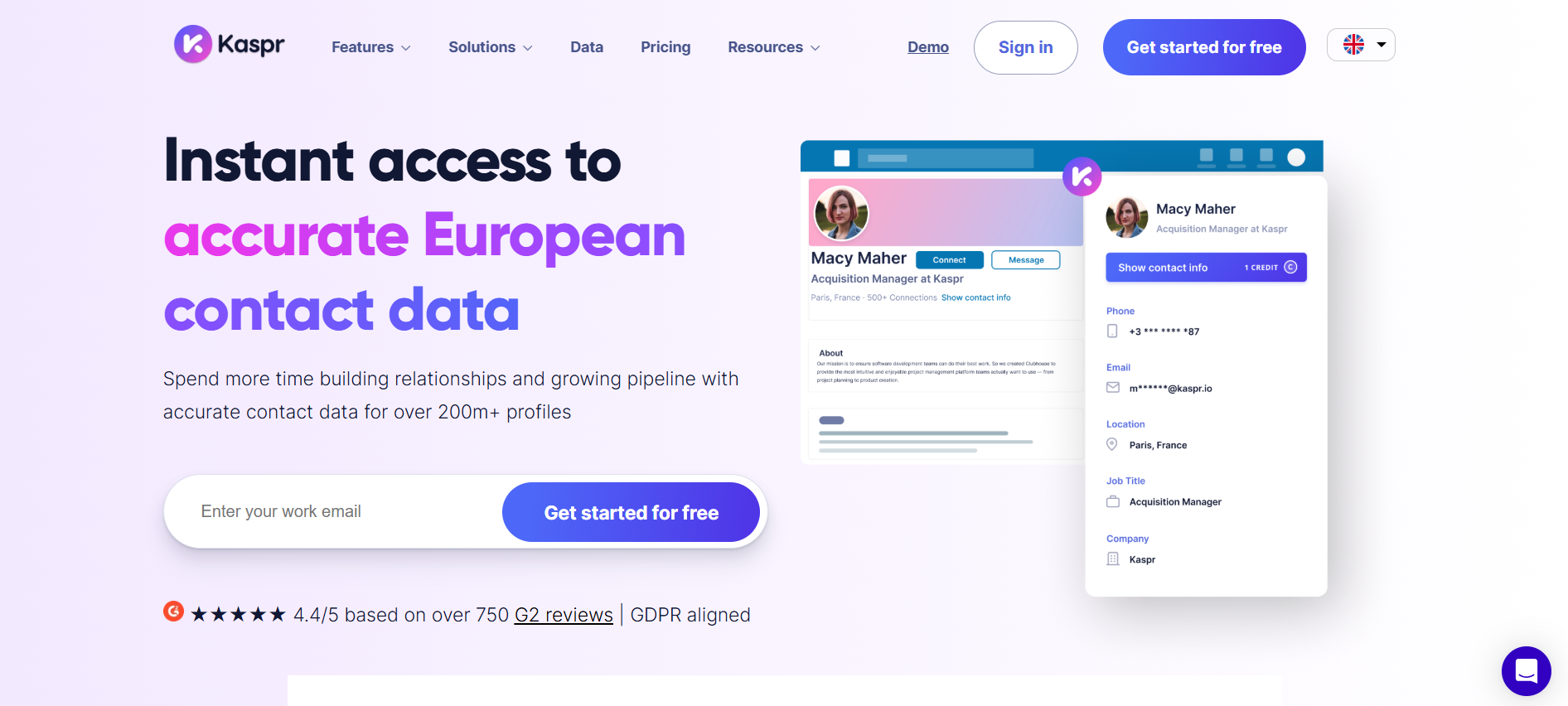
Best for: Teams prospecting heavily on LinkedIn or Sales Navigator who want a lightweight enrichment layer.
Kaspr is a LinkedIn-native enrichment tool that surfaces emails and phone numbers as reps browse profiles. It's straightforward to use, integrates with Sales Navigator, and offers unlimited B2B email credits on its starter plan, which makes it an accessible option for teams just getting started with LinkedIn-driven prospecting.
Pricing: Kaspr's pricing page lists a Starter plan at approximately $49/month, which includes phone credits and unlimited B2B emails.
Where it stands out: Simple, focused, and fast for LinkedIn-first workflows. It removes the manual step of searching for contact details outside of LinkedIn.
Where it's limited: Kaspr is an enrichment capture layer, not a full workflow platform. You'll still need separate tools for automation, sequencing, and CRM handoff.
Pros
- Straightforward LinkedIn-first enrichment with minimal setup
- Unlimited B2B email credits on starter plan
- Accessible price point for individual reps and small teams
Cons
- Not a full workflow or automation platform
- Limited breadth compared to multi-source enrichment tools
- Requires additional tools for sequencing and CRM integration
7) Persana AI: Best for AI-assisted research and enrichment
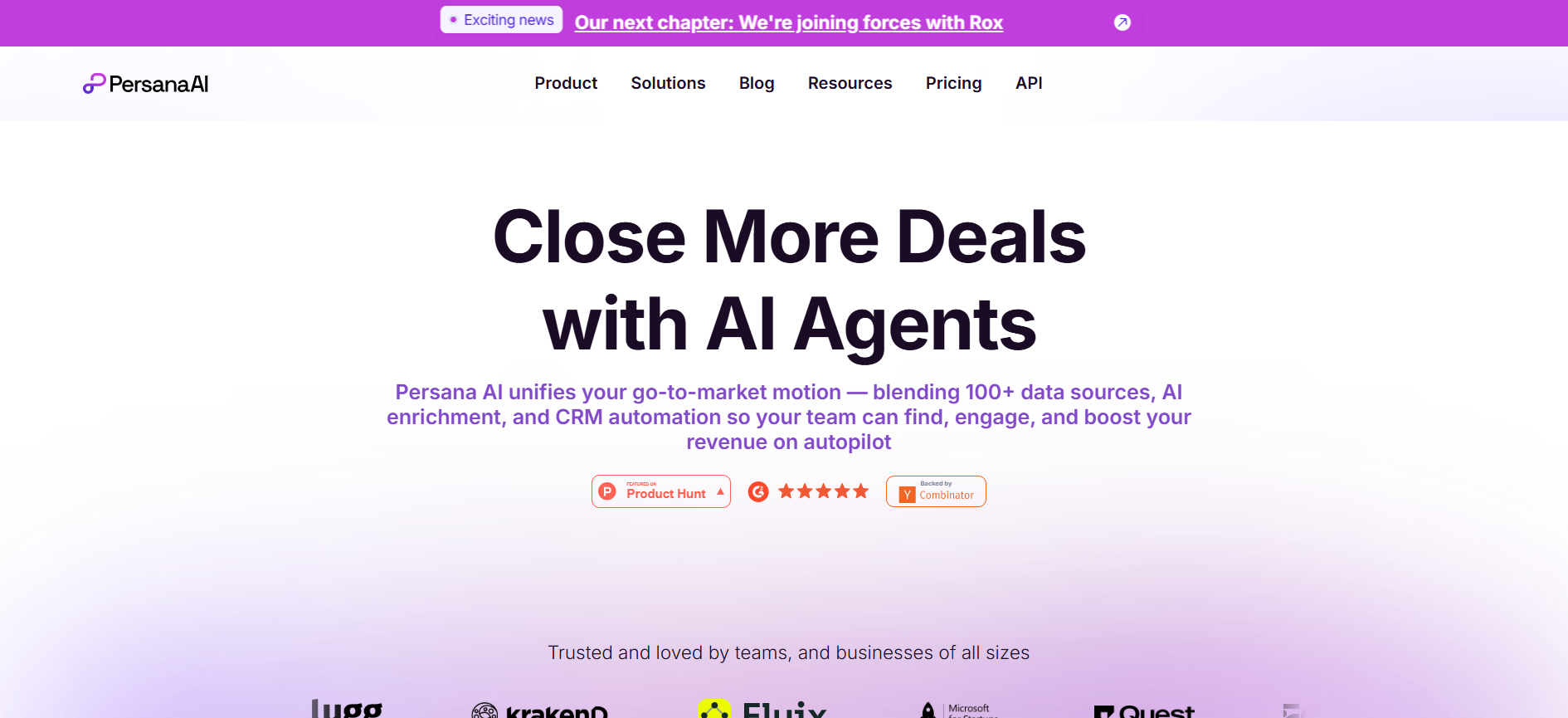
Best for: Teams that want enrichment layered with AI-driven research and personalization signals.
Persana AI positions itself around AI-assisted prospecting: enriching leads while also surfacing signals and research that can inform personalized outreach. It's a closer functional comparison to Clay than most tools on this list, with a credit-based model and workflow automation features built in.
Pricing: Persana's pricing page lists a Starter tier at approximately $68/month (billed annually), with higher tiers for more credits and features.
Where it stands out: AI-assisted research and playbooks can accelerate personalization at scale, which is useful for teams running account-based outbound.
Where it's limited: Some users report a learning curve and integration friction when setting up workflows, which is common with flexible automation tools.
Pros
- AI-assisted research speeds up personalization for account-based outbound
- Credit-based model with clear tier structure
- Workflow automation features built into the platform
Cons
- Learning curve for new users setting up workflows
- Integration friction reported by some users
- Less established review history than legacy platforms
8) FullEnrich: Best waterfall enrichment alternative
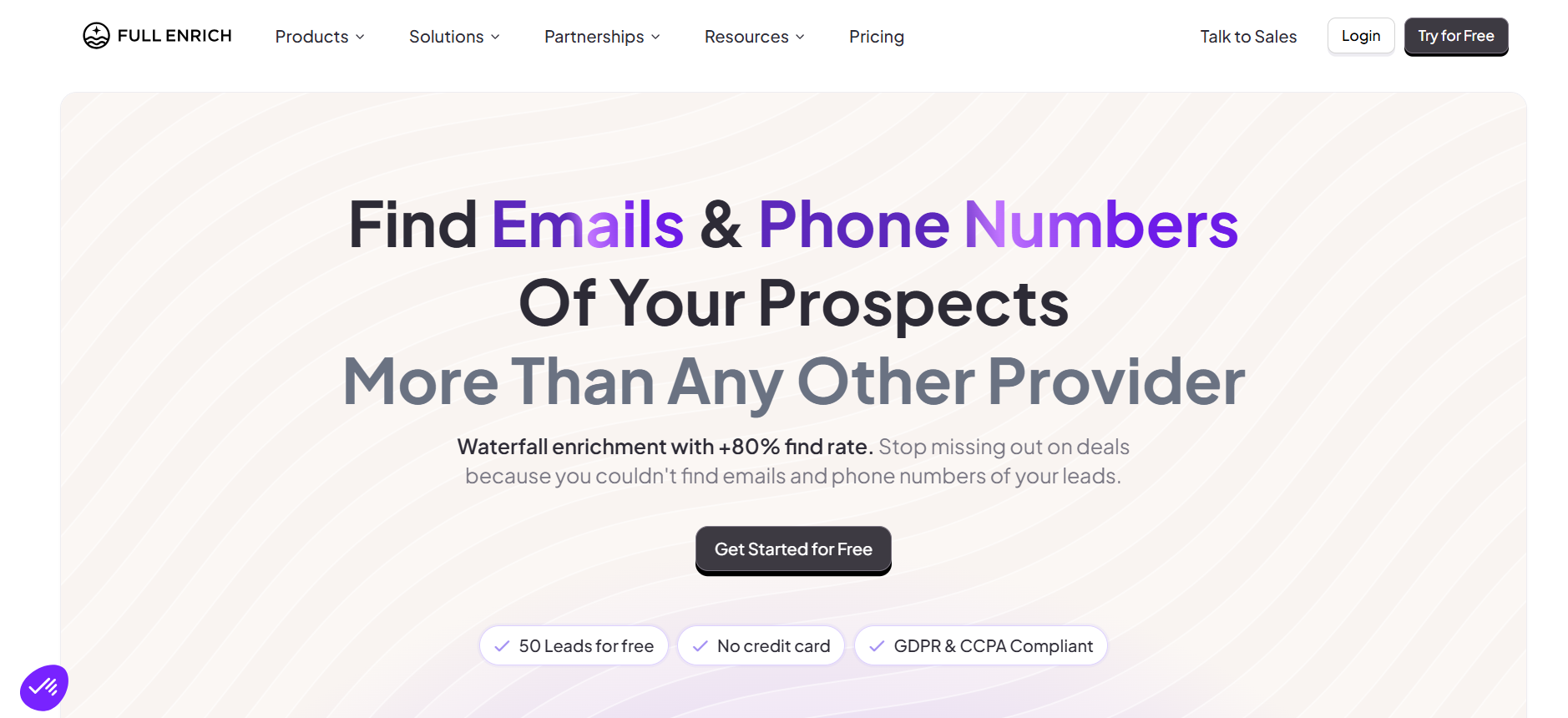
Best for: Teams that already have workflow and outbound tools in place and want to improve enrichment hit rates.
FullEnrich focuses specifically on waterfall enrichment: running contact data through multiple providers in sequence until a verified email or phone number is found. This approach consistently produces higher hit rates than single-source enrichment, which makes it a useful addition to any outbound stack.
Pricing: FullEnrich uses a credit-based model. Credits can be applied to email enrichment, phone enrichment, or both, with pricing varying by plan selection.
Where it stands out: The waterfall approach is the right answer for teams frustrated by low hit rates from a single enrichment provider. It's a focused tool that does one thing well.
Where it's limited: FullEnrich is enrichment-only. It doesn't replace the workflow canvas, automation logic, or outbound integrations that Clay provides. You'll need other tools to handle those pieces.
Pros
- Waterfall enrichment across multiple providers improves hit rates
- Flexible credit usage across email and phone
- Simple, focused positioning makes it easy to evaluate
Cons
- Enrichment-only; doesn't replace workflow automation or outbound sequencing
- Requires integration with other tools to complete the outbound stack
9) Hunter: Best for email finding and verification
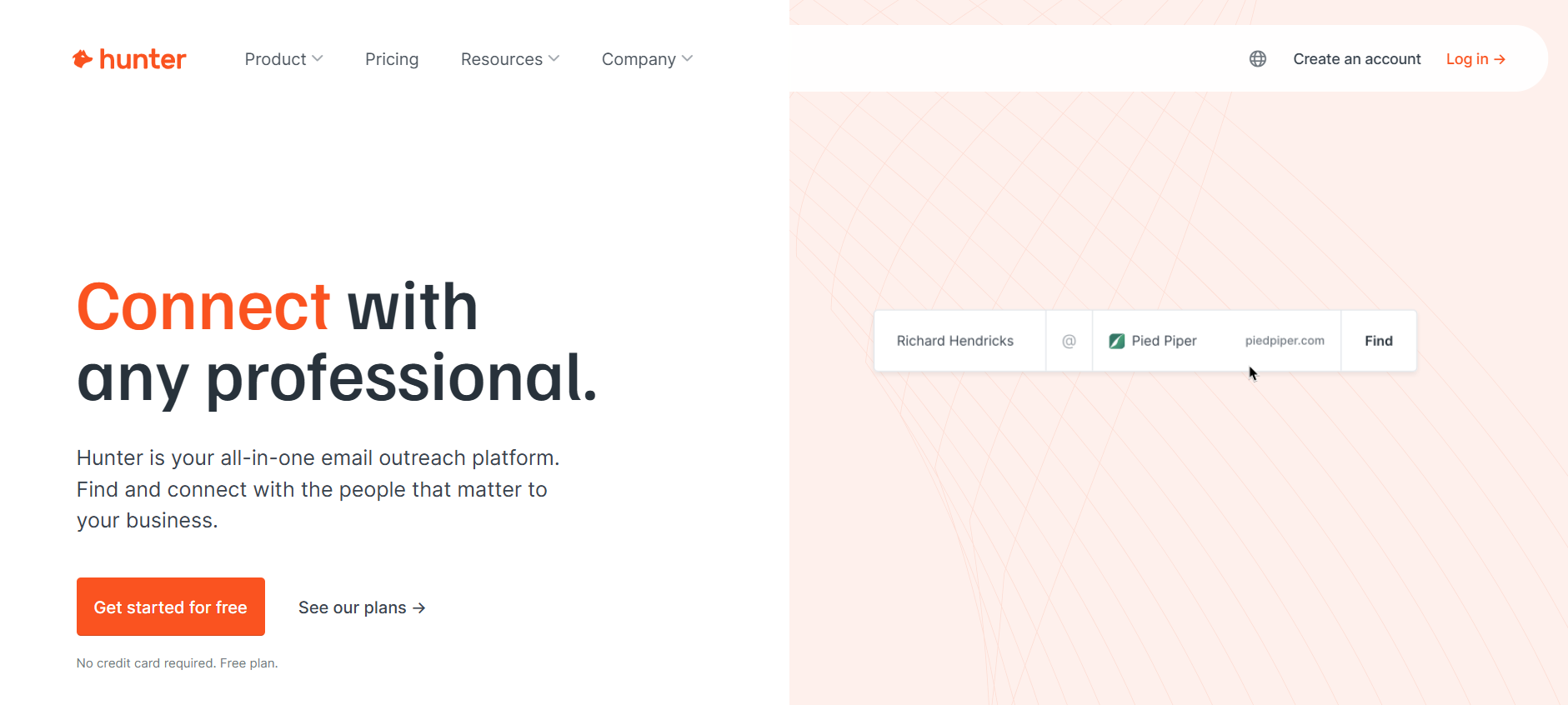
Best for: Teams primarily focused on email discovery and verification, particularly for domain-based prospecting.
Hunter has been a reliable email finding and verification tool for years. It's built around domain search (find all emails associated with a company domain), email finder (find a specific person's email), and email verification. For teams that need clean, verified emails before sending, it's a straightforward and well-documented option.
Pricing: Hunter offers tiered plans with a free tier available. Paid plans vary by monthly search and verification volume.
Where it stands out: Email discovery and verification are genuinely strong. The domain search feature is particularly useful for account-based prospecting where you know the company but need to find the right contacts.
Where it's limited: Hunter is not a full outbound workflow platform. It handles the email finding step well, but you'll pair it with sequencing tools and a CRM to run complete campaigns.
Pros
- Reliable email discovery and verification
- Domain search is useful for account-based prospecting
- Free tier available for low-volume use
Cons
- Email-focused only; no phone data or workflow automation
- Requires pairing with sequencing and CRM tools for full outbound execution
10) Saleshandy: Best budget-friendly cold email sending tool
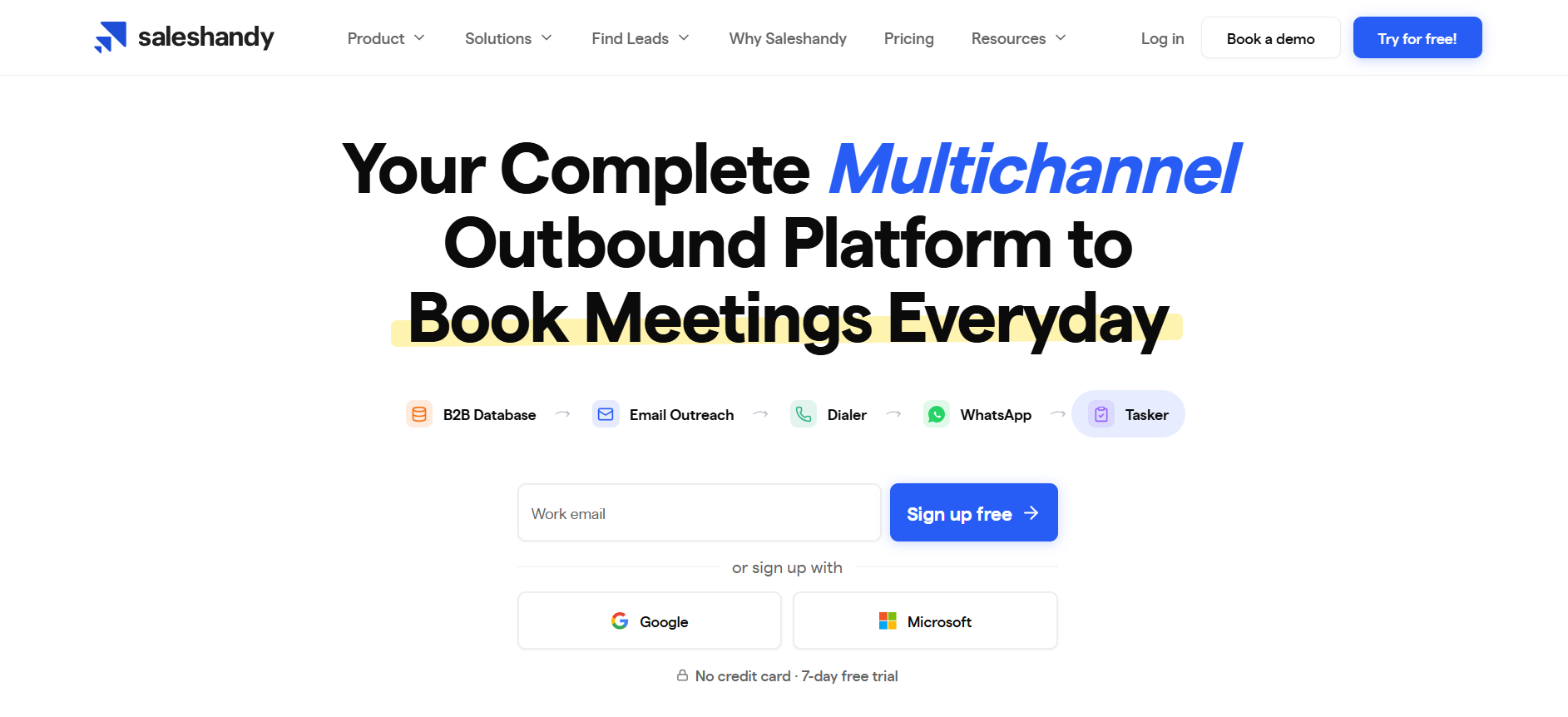
Best for: Teams that have their data and enrichment sorted and need a reliable, cost-effective sending platform.
Saleshandy is a cold email sequencing tool with a straightforward UI and a strong reputation for deliverability features like inbox warmup and email testing. It's not a Clay replacement in the traditional sense, but for teams that have already solved enrichment and need a sending layer, it's a practical and affordable option.
Pricing: Saleshandy offers tiered plans with module-based pricing. Specific plan details are available on their pricing page and vary by sending volume and features.
Where it stands out: Clean UI for cold email automation, inbox warmup features, and positive user reviews around support and ease of setup.
Where it's limited: Saleshandy is a sending tool. It doesn't handle enrichment, workflow automation, or data sourcing. Teams that need those capabilities will still need separate tools.
Pros
- Clean UI for cold email sequencing
- Inbox warmup and deliverability features built in
- Accessible pricing for teams focused on sending volume
Cons
- No enrichment or workflow automation capabilities
- Requires separate tools for data sourcing and lead enrichment
Try Bitscale for Free
| Tool | Best for | Pricing (published/typical) | Pros (summary) | Cons (summary) |
|---|---|---|---|---|
| Bitscale | Workflow-first outbound teams | Lifetime Free plan available + scalable paid tiers (Growth / Booster) | Multi-source enrichment (email + mobile), outbound-ready workflows, CRM + sending tool integrations, predictable upgrade path, start free and scale when needed | Newer brand compared to legacy databases |
| Apollo | All-in-one SMB prospecting | $49, $119/user/mo | Saves time; strong filters + CRM sync | Accuracy can vary; UI complexity |
| ZoomInfo | Enterprise database | ~$15k, $45k+/yr typical ranges | Robust enterprise data + insights | Expensive; some outdated contacts; learning curve |
| Cognism | Direct dials + compliance | ~€15k/yr cited starting structure | Reliable data; strong direct dials | Occasional outdated/incorrect data |
| Lusha | Quick lookup + LinkedIn flow | $29.90+/mo and $69.90+/mo tiers | Easy to use; quick implementation | Credit burn + quality variance by niche |
| Kaspr | LinkedIn-first enrichment | $49/mo starter shown | Simple LinkedIn enrichment | Not a full workflow layer |
| Persana | AI-led research + enrichment | $68/mo (annual) starter shown; higher tiers listed | AI assistance + workflows | Learning curve/integration setup complexity |
| FullEnrich | Waterfall enrichment only | Credit-based (plan-dependent) | Strong waterfall enrichment | Enrichment-only; needs other tools |
| Hunter | Email discovery + verification | Tiered (varies) | Great for email finding | Not full workflow + outreach |
| Saleshandy | Cold email sending | Tiered; module-based | Good for sending volume | Not enrichment/workflow replacement |
How to build a Clay alternative stack
Many teams searching for the best Clay alternative don't actually need a single replacement. They need a better-configured stack. Clay's value comes from combining enrichment, automation, and integrations in one place. If you're replacing it, you need to cover all three layers.
Layer 1: Data enrichment (email and phone)
- FullEnrich for waterfall enrichment across multiple providers
- Lusha or Kaspr for quick contact discovery, especially in LinkedIn-driven workflows
- Cognism if verified direct dials and compliance documentation are priorities
Layer 2: Workflow automation and outbound handoff
- Bitscale for teams that want enrichment, workflow playbooks, and outbound integrations in one platform
- Persana AI for teams that want AI-assisted research layered into their enrichment workflows
- General automation platforms can handle connectors and logic steps, but they don't solve for contact data quality on their own
Layer 3: Cold email sequencing
- Saleshandy for budget-conscious teams focused on sending volume
- Instantly, Smartlead, or Heyreach are common choices for teams running higher-volume outbound (these pair well with workflow-first platforms like Bitscale)
Which Clay alternative is right for your team?
The right answer depends on where your current process breaks down:
- You need enterprise data depth and budget isn't the constraint: ZoomInfo or Cognism are the strongest options, with ZoomInfo leading on database scale and Cognism leading on direct dial accuracy and compliance.
- You want an all-in-one tool to start quickly at SMB scale: Apollo is the most common choice, with a free tier to test before committing.
- You want workflow-first outbound execution with less setup: Bitscale is built around that use case, with multi-source enrichment, pre-built playbooks, and direct integrations with HubSpot and popular sending tools.
- You just need better enrichment hit rates: FullEnrich's waterfall approach solves that specific problem without requiring you to change the rest of your stack.
- You're LinkedIn-heavy and want fast contact discovery: Lusha or Kaspr are the fastest paths from LinkedIn profile to verified contact details.
Most teams don't need to replace every piece of Clay at once. Start with the layer that's causing the most friction, validate that the replacement works for your ICP and market, then expand from there.
Read other blogs
All Blogs
12 Best CRM Sync Tools for Revenue Teams in 2026
Compare 12 CRM sync tools for Salesforce and HubSpot, including enrichment, reverse ETL, and automation options for cleaner revenue data.

Sales Data Enrichment: A Buyer's Guide for Modern B2B Teams
Sales data enrichment helps B2B teams improve CRM records, routing, prospecting, and account prioritization. Compare workflows, costs, and vendor fit today.

What Is AI Prospect Qualification? A Practical Guide for Modern Revenue Teams
AI prospect qualification helps revenue teams enrich data, assess ICP fit, prioritize buying signals, and route the right accounts into CRM workflows.