31 Best B2B Lead Generation Tools & Software in 2026
Table of Contents
Explore Bitscale
Find decision makers, more insights and contact information about this company on Bitscale
B2B lead generation is a stack problem now, not a single-tool purchase. Most teams have moved past the era of one contact database plus an email finder and calling it a day. Real pipeline depends on a mix of prospecting, enrichment, intent signals, outreach automation, and CRM plumbing that actually holds up under volume. Pick the wrong lead generation software and your funnel starts running on bad inputs, stale titles, dead inboxes, and duplicates that quietly poison reporting. Many B2B revenue teams report a data confidence problem driven by inaccurate or outdated CRM data, which drags down targeting and conversion rates.
This comparison looks at 31 b2b lead generation tools across seven categories. Each one is judged on the things GTM operators end up caring about in practice, data quality, coverage, enrichment depth, compliance posture, integrations, workflow automation, and how pricing scales. The goal is simple, help you shortlist tools that fit how your team actually works, whether that is a two-person SDR pod or a 200-seat enterprise GTM org.
What Is a B2B Lead Generation Tool?
A B2B lead generation tool is software that helps you identify target accounts and people, capture buying signals, and turn that data into qualified leads your team can route, sequence, and track in a CRM.Lead generation and prospecting overlap, but they are not the same job. Prospecting is the act of finding the right accounts and contacts. Lead generation is the broader system that also includes enrichment, validation, scoring, routing, and measurement so leads arrive in the right place with the right context.Modern GTM teams use multiple tools because no single vendor covers every workflow well. One tool might be strong at contact discovery, another at enrichment and deduplication, and another at outreach execution. The operational goal is clean handoffs so you do not lose data quality between steps.Common categories include prospecting, enrichment, intent data, outreach, CRM, and visitor identification. Most stacks start with prospecting plus enrichment, then add intent and visitor signals once outbound volume grows and prioritization becomes the bottleneck.
How We Evaluated These B2B Lead Generation Tools
Each tool was scored against six criteria that show up in the day-to-day of building inbound and outbound pipeline. Data quality and freshness came first for a reason, stale contacts burn send volume and can wreck sender reputation faster than most teams expect. Next was contact coverage, meaning how well a provider spans the industries, geographies, and job functions you actually sell into. If you want the nuance behind that word, this guide on understanding B2B lead data coverage breaks down what "coverage" looks like once it hits your pipeline math.
From there, we looked at enrichment depth (the firmographic, technographic, and intent fields a tool can append), compliance posture (GDPR, CCPA, SOC 2), and how cleanly the tool plugs into CRMs and outbound systems. Pricing flexibility mattered too, per-seat, credit-based, and usage-based models behave very differently once you scale. Tools that collapse multiple steps, like sourcing plus enrichment plus outreach, got extra credit because they reduce handoffs, and handoffs are where data quality usually dies.
Comparison Table
| Tool | Category | Best For | Starting Price | Ideal Team Size |
|---|---|---|---|---|
| Bitscale | GTM Automation | Enrichment + AI research + workflows | Free / $349/mo | SMB to Mid-Market |
| Apollo.io | Prospecting + Outreach | All-in-one outbound | Free / $49/mo | Any |
| ZoomInfo | Sales Intelligence | Enterprise-grade database | Custom | Enterprise |
| Cognism | Sales Intelligence | EMEA-compliant mobile data | Custom | Mid-Market to Enterprise |
| Clay | Enrichment + Orchestration | Waterfall enrichment | $185/mo | Ops-heavy teams |
| Lusha | Contact Database | Fast direct dials | Free / $36/mo | SMB |
| LinkedIn Sales Navigator | Prospecting | Relationship selling | $99.99/mo | Any |
| Instantly.ai | Outreach | High-volume cold email | $47/mo monthly / $30/mo annual | SMB |
| Seamless.AI | Contact Database | Real-time contact search | Custom | SMB to Mid-Market |
| UpLead | Contact Database | 95% accuracy guarantee | $99/mo | SMB |
| Hunter.io | Email Finder | Domain-based email search | Free / $34/mo | Freelancers to SMB |
| Clearbit | Enrichment | HubSpot-native enrichment | Included with paid HubSpot plans | HubSpot users |
| Bombora | Intent Data | Company surge intent | Custom | Enterprise |
| Leadfeeder | Visitor ID | Website visitor identification | From €79/mo annually | SMB to Mid-Market |
| 6sense | Intent + ABM | Predictive pipeline | Custom | Enterprise |
| Demandbase | ABM + Intent | Account-based orchestration | Custom | Enterprise |
| Outreach | Sales Engagement | Multi-channel sequences | Custom | Mid-Market to Enterprise |
| Lemlist | Outreach | Personalized cold email | $69/mo monthly / $55/mo annual | SMB |
| Reply.io | Outreach | AI SDR + multichannel | $49/mo | SMB to Mid-Market |
| Woodpecker | Outreach | Agency cold email | $20/mo | Agencies |
| Mailshake | Outreach | Straightforward email campaigns | $25/mo | SMB |
| HubSpot Marketing Hub | CRM + Marketing | Inbound lead gen | Free / $800/mo Pro | Any |
| Salesforce Sales Cloud | CRM | Enterprise pipeline mgmt | From $25/user/mo | Mid-Market to Enterprise |
| Pipedrive | CRM | Visual deal tracking | $14/mo | SMB |
| Gong | Revenue Intelligence | Call analytics + coaching | Custom | Mid-Market to Enterprise |
| Chorus.ai | Revenue Intelligence | Conversation intelligence | Custom | Mid-Market |
| Voila Norbert | Email Finder | Bulk email verification | $49/mo | SMB |
| FindThatLead | Email Finder | Chrome-based prospecting | $41/mo | SMB |
| Warmly | Visitor ID + Signals | Real-time visitor routing | Free / Custom | SMB to Mid-Market |
| RB2B | Visitor ID | Person-level visitor ID (US) | Free / $79/mo | SMB |
| Common Room | Signal Aggregation | Buyer intelligence + signals | From $2,500/mo, billed annually | GTM teams |
Prospecting and Contact Database Tools
1. Bitscale
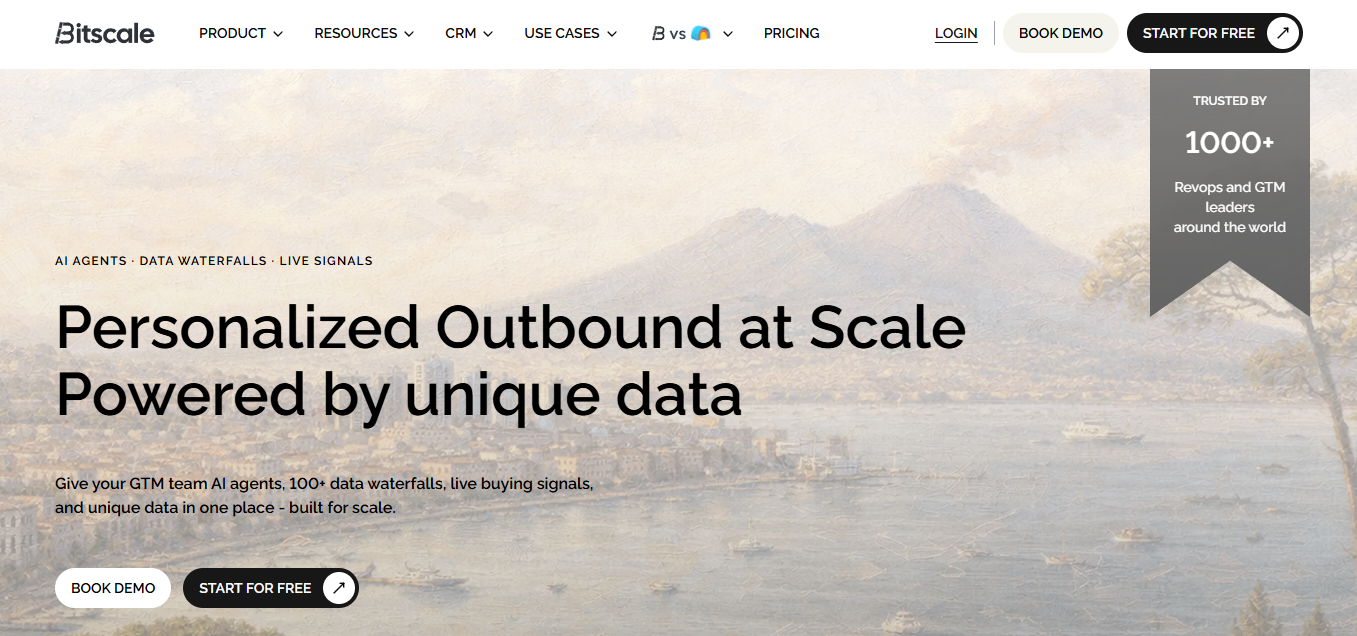
Bitscale sits where lead sourcing, enrichment, buyer intent signals, AI prospect research, and outbound workflow automation collide. Instead of asking ops teams to glue together five tools and pray the handoffs work, it ships with sales workflows that pull leads, enrich them with work emails and phone numbers, layer on buying signals, and push qualified records into your CRM or outbound system. You can create a lead list with Bitscale quickly, then use the AI research module to generate prospect-specific talking points without doing manual tab-hopping.
Bitscale's pitch is workflow-first, and that distinction matters. You are not just querying a static database, you are running a chain where records move through validation, deduplication, and scoring before a rep ever sees them. Bitscale offers four pricing tiers—Free, Growth($349/m), Booster($799/m), and Enterprise—designed to support businesses at different stages of growth. which fits teams that ramp credits during campaign pushes and then dial down when volume slows. A poor fit is a team that only needs a lightweight Chrome extension for occasional lookups, or a team that wants a single, fixed database contract and does not plan to operationalize workflows.
Best for: GTM teams that need enrichment, intent, and outbound automation without assembling a five-tool stack.
Ideal team size: 2 to 100.
Primary use case: Enriched pipeline generation with AI-driven personalization.Suggested image: Bitscale workflow builder showing a lead sourcing step, enrichment and validation steps, scoring, and a CRM destination node.
2. Apollo.io
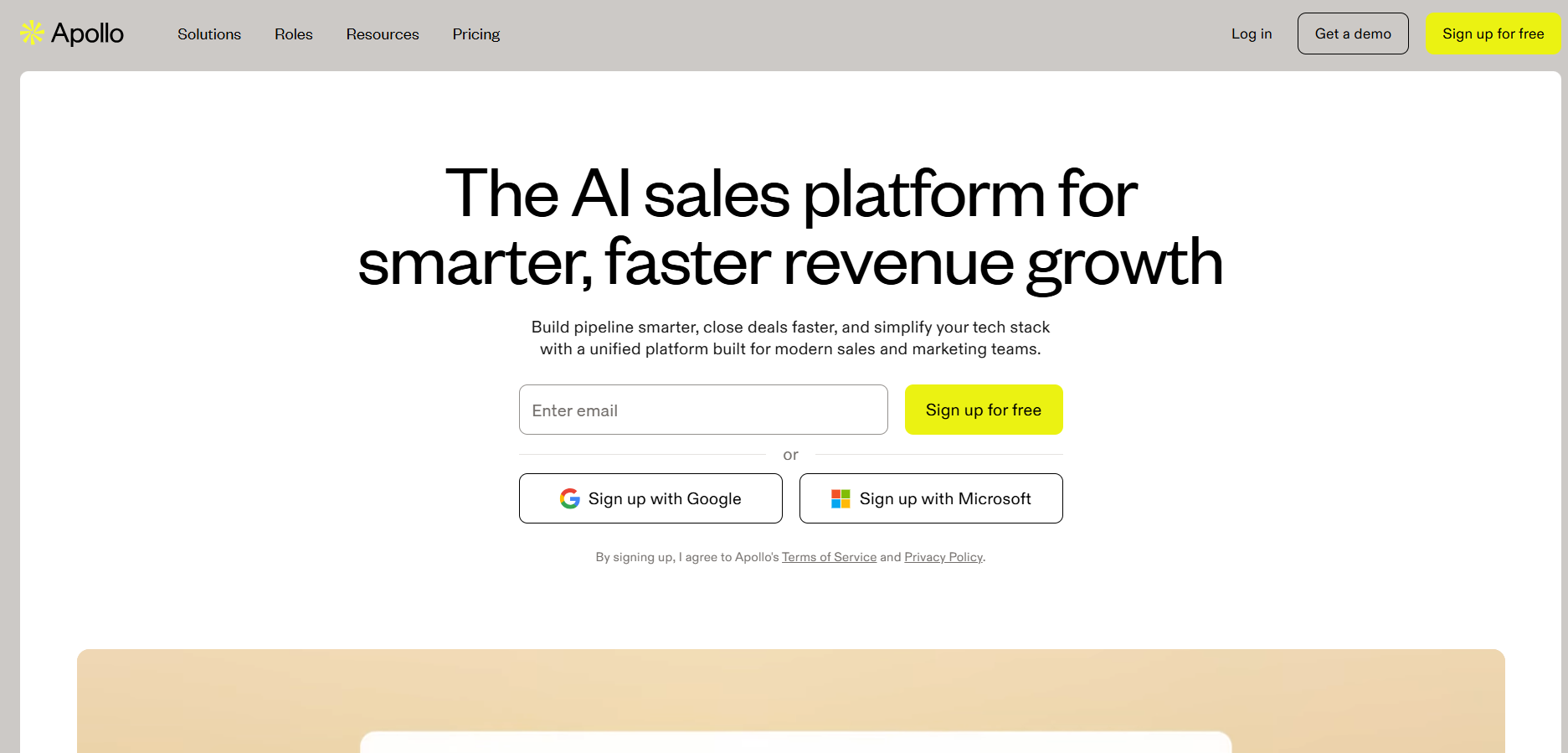
Apollo.io is about as close as this category gets to a Swiss Army knife. You get prospecting, email sequencing, a dialer, and basic enrichment in one place. Apollo markets a large contact database, but exact record counts and coverage shift over time, so treat any single number as vendor-reported and time-bound. The free plan includes export credits, which is enough for early-stage teams to pressure-test outbound before they start stacking contracts. Paid plans start at $49/mo and open up stronger filters, A/B testing, and buying intent data. If you are comparing platforms that emphasize workflow automation and multi-source enrichment, this Apollo alternative breakdown is a useful cross-check.
Best for: Teams that want prospecting, sequencing, and a dialer in one seat.
Ideal team size: 1 to 200+.
Primary use case: Full-cycle outbound.Suggested image: Apollo prospect search dashboard showing advanced filters, contact records, and enrichment fields, plus an export or sequence action panel.
3. ZoomInfo
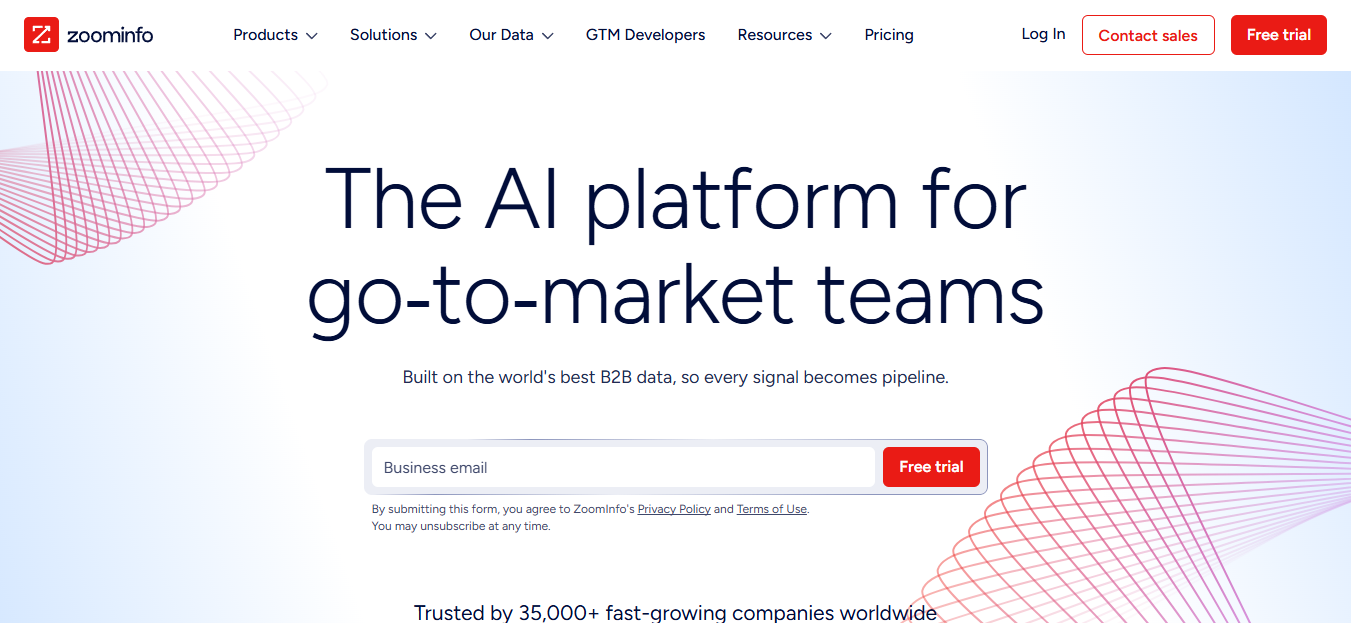
ZoomInfo is still the enterprise reference point for B2B contact and company data. ZoomInfo positions its platform around company and contact intelligence, plus signals like intent and technographics, but specific database size figures vary by product, region, and how the vendor defines a "record", so treat counts as vendor-reported. ZoomInfo pricing is custom and typically sold through annual contracts, so teams should request a current quote based on seats, products, and add-ons. Where ZoomInfo earns its price is breadth, org charts, funding signals, tech install data, and intent can live under one roof. Where it frustrates teams is cost and contract rigidity. If you want a workflow-first option that emphasizes enrichment, validation, and routing into your systems, this ZoomInfo alternative comparison can help frame trade-offs. If you want a wider comparison in this segment, this list of top sales intelligence tools lays out the landscape.Suggested image: ZoomInfo company profile view showing org chart, technographics, intent topics, and export or CRM sync controls.
Best for: Enterprise sales teams
Ideal team size: 100–5000+ users
Primary use case: Sales intelligence
4. Cognism
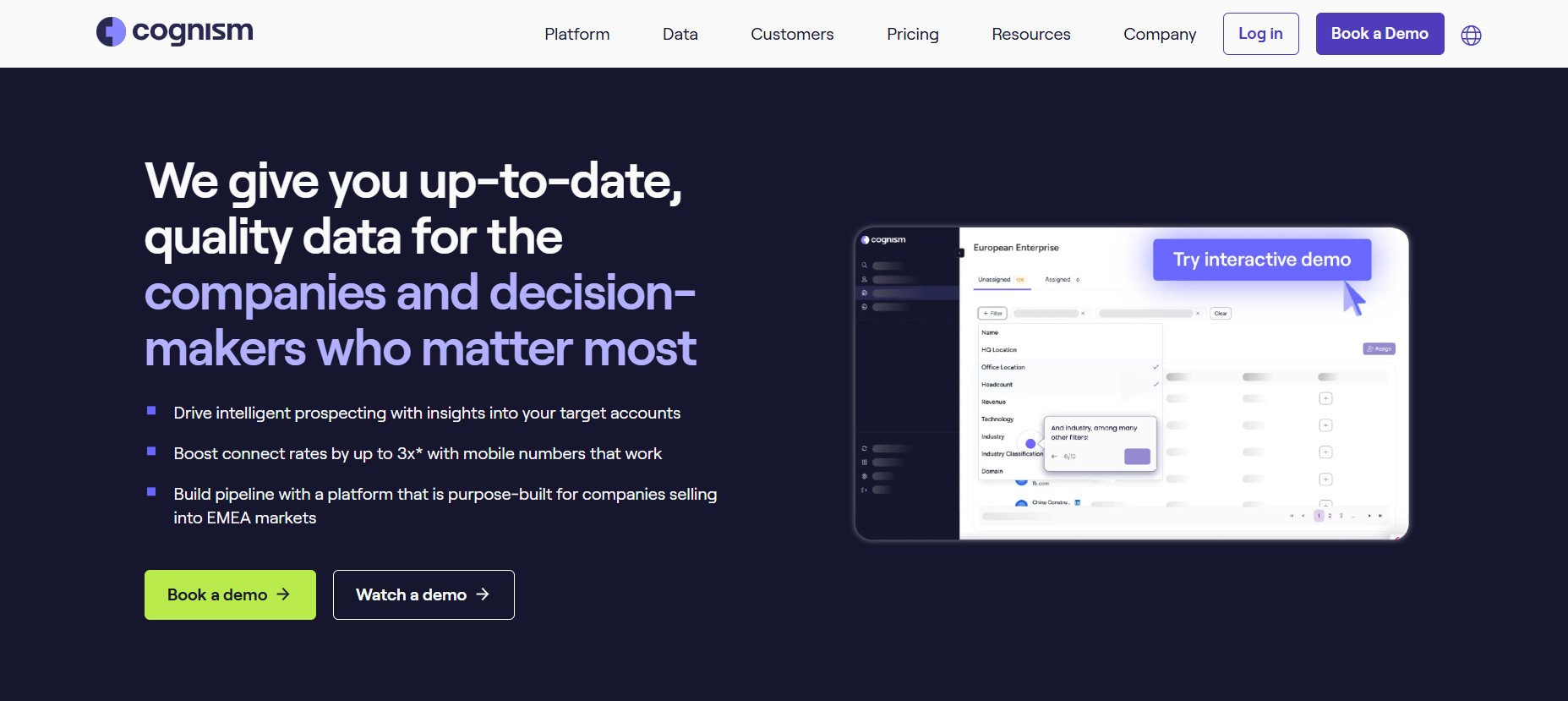
Selling into Europe changes the vendor shortlist, and Cognism is usually on it. Diamond Data is the headline feature, phone-verified mobile numbers, backed by one of the stronger GDPR and CCPA compliance postures in sales intelligence. Pricing is custom and quote-based, so teams need to request a current Cognism quote based on their package and requirements. For EMEA, though, Cognism's mobile data quality is the point.Suggested image: Cognism prospect record view showing verified mobile indicators, compliance notes, and enrichment fields, plus a CRM export option.
Best for: EMEA-focused sales teams
Ideal team size: 20–1000+ users
**Primary use case: **Contact data sourcing
5. Clay
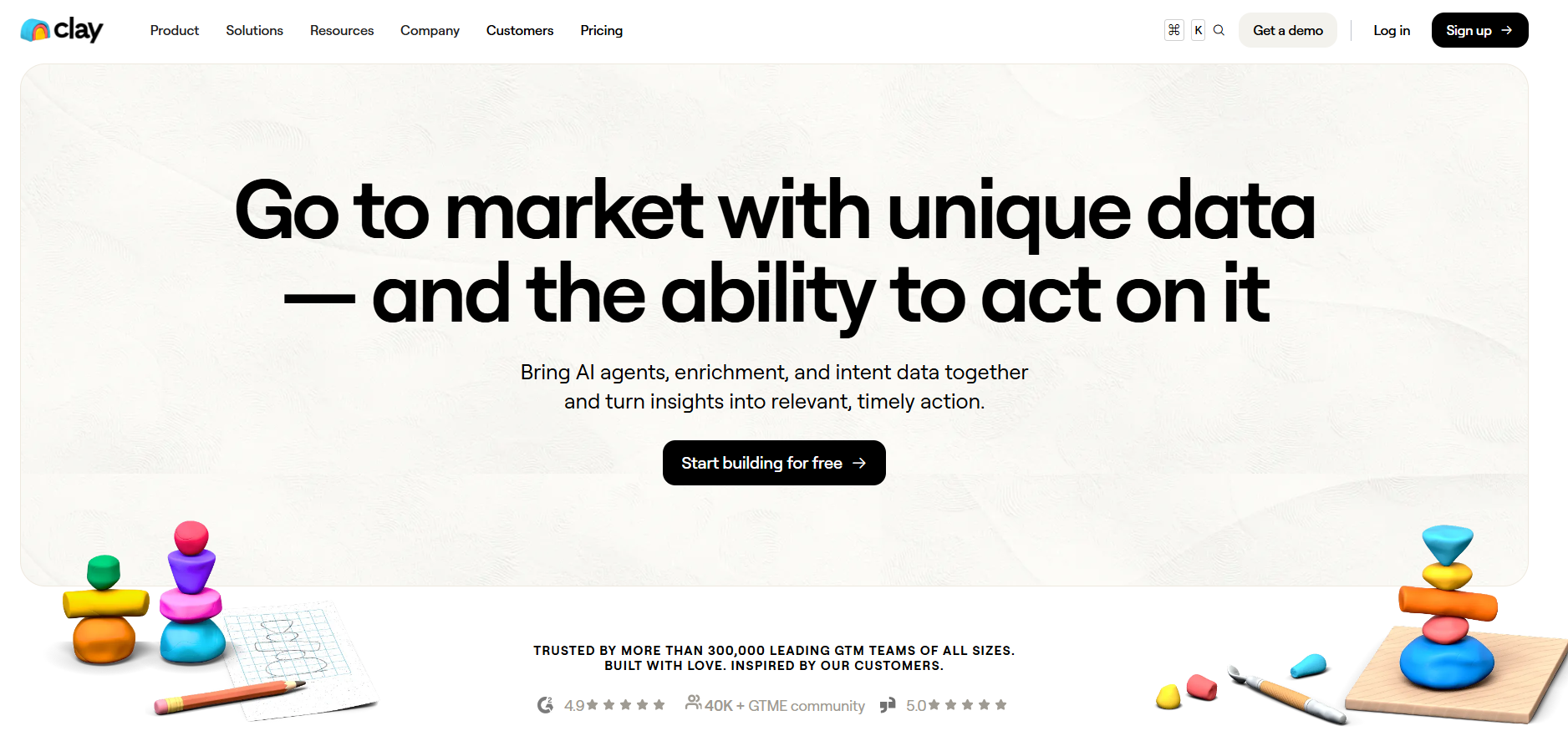
Clay is the enrichment workbench built for power users. It connects to 150+ data providers and runs waterfall enrichment, query Provider A, fall back to Provider B when it misses, and keep going until you get a match. That structure is why ops-heavy teams use it, especially when match rate is the difference between a workable list and a wasted send. Plans start at $185/mo. The catch is the learning curve. Clay's spreadsheet-style interface rewards people who are comfortable with formulas and API logic, and teams without a RevOps resource can find it hard to operationalize. If your priority is a more guided, workflow-driven experience that bundles sourcing, enrichment, and routing, this Clay alternative comparison is relevant. For a wider view of the category, see this roundup of the best data enrichment tools.
Best for: RevOps teams building custom enrichment pipelines.
Ideal team size: Ideal team size: 5–100 users
Primary use case: Data enrichment
6. Lusha
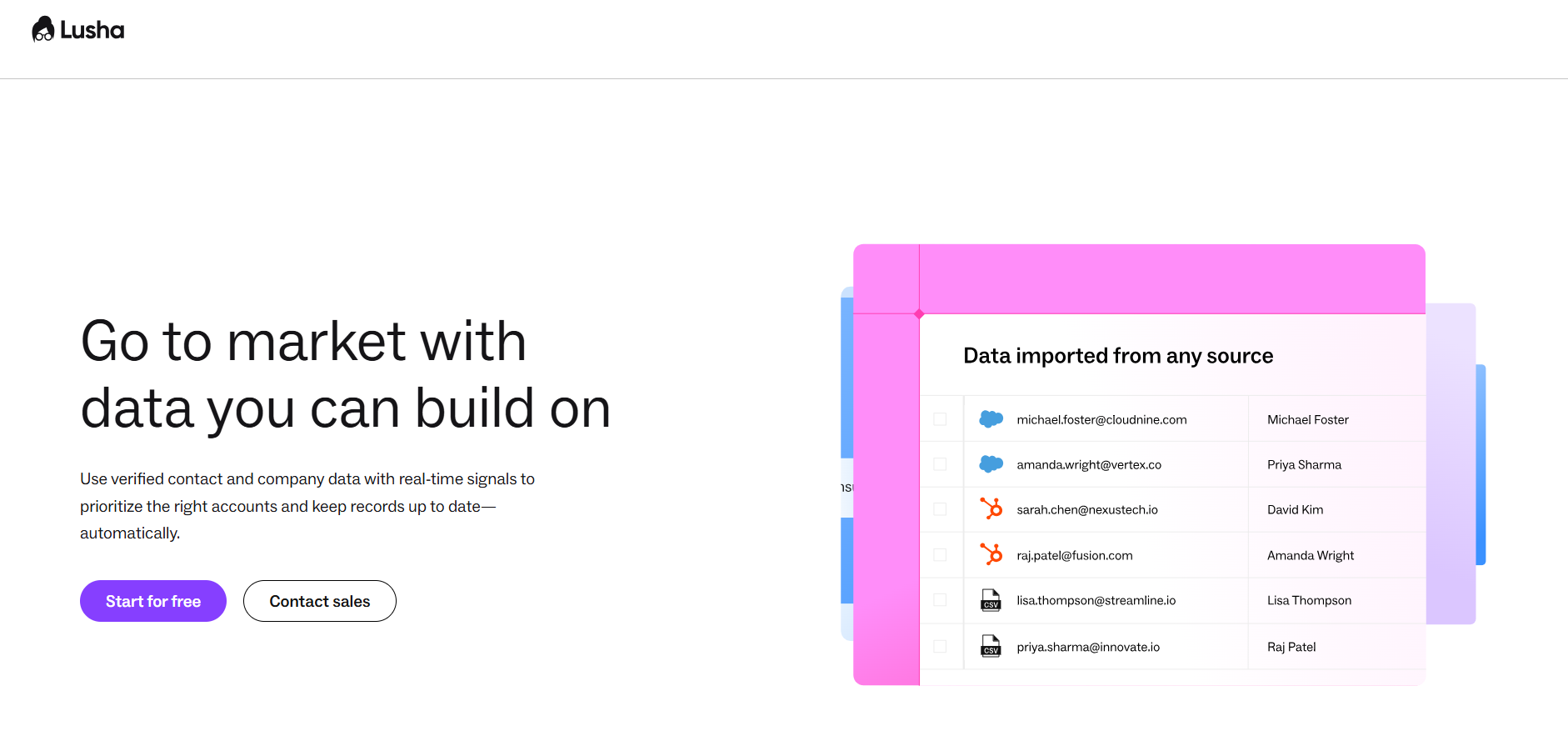
Lusha is built for speed, open the Chrome extension on LinkedIn and you get a direct dial without a bunch of workflow ceremony. The free plan includes five credits per month, and paid plans start at about $37/mo when billed annually. In most stacks, Lusha works best as a supplemental contact layer alongside a bigger prospecting platform. Where it falls short is enrichment depth. You will get email and phone, but the firmographic and technographic fields are thinner than what you get from Cognism or ZoomInfo. If you are weighing a workflow-first stack that emphasizes enrichment, validation, and routing, this Lusha alternative comparison is a practical read.Suggested image: Lusha Chrome extension overlay on a LinkedIn profile showing revealed email and phone fields, plus remaining credits.
**Best for: **SMBs
Ideal team size: 1–50 users
Primary use case: Contact discovery
7. LinkedIn Sales Navigator
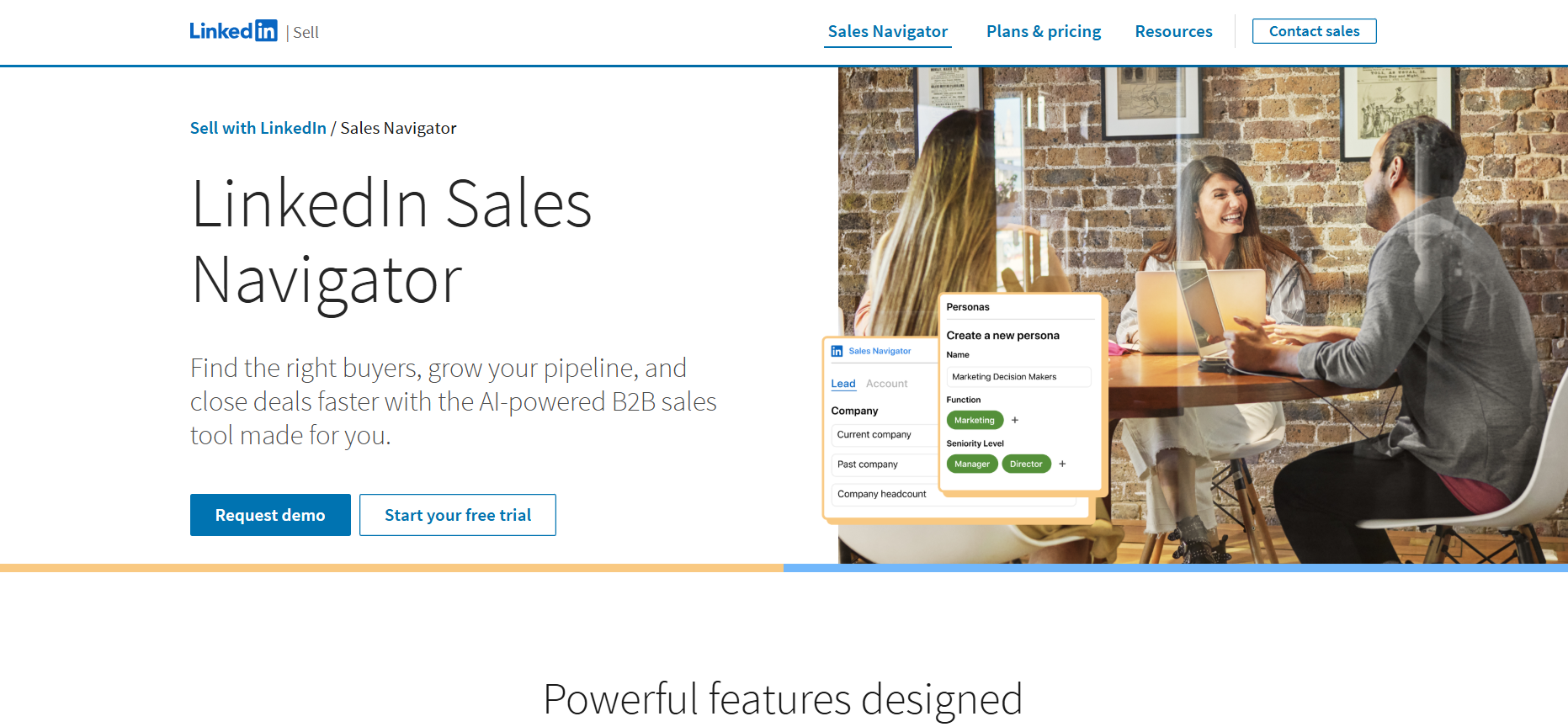
Sales Navigator is not where you go to export a database (at least not natively). It is where you go to find the right people, track them, and build enough context to earn a reply. The advanced filters, saved lists, and InMail credits make it the default layer for account-based prospecting. At $99.99/mo for the Core plan, it often gets paired with export tools like PhantomBuster or Clay to move leads into the outbound stack. Its gaps are also clear, no built-in sequencing, and no native phone data.Suggested image: Sales Navigator lead search results showing filters for title, seniority, geography, and saved lead lists.
**Best for: **Relationship-driven sales teams
Ideal team size: 1–1000+ users
Primary use case: Account prospecting
Outbound Sales Tools and Email Automation
8. Instantly.ai
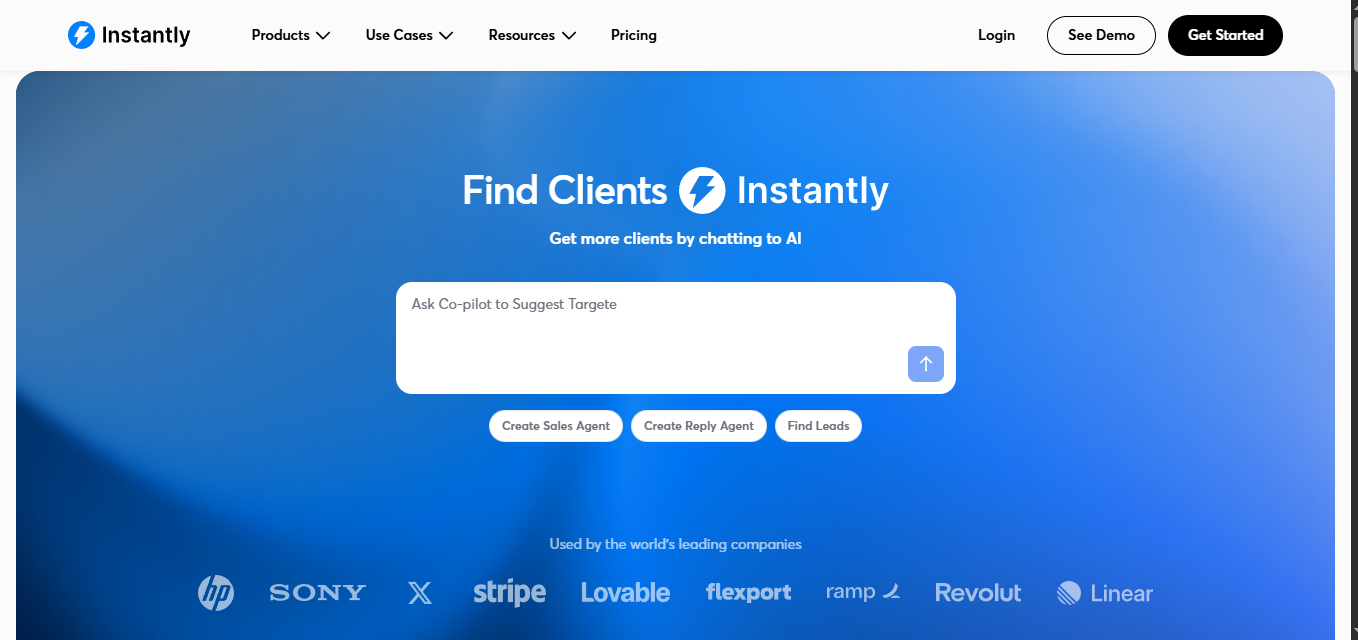
Instantly.ai won its audience by treating deliverability as the product. Unlimited email accounts, automated warmup, and inbox rotation make it easier to send at volume without burning domains. Plans start at $47/mo on monthly billing, or $30/mo with annual billing. In practice, Instantly works best when a dedicated lead sourcing tool feeds it clean, enriched contacts. A poor fit is a team that needs complex routing, territory logic, or strict CRM governance, those requirements usually point to a heavier sales engagement platform.Suggested image: Instantly sending dashboard showing inbox rotation, warmup status, and campaign-level deliverability metrics.
Best for: High-volume outbound teams
Ideal team size: Ideal team size: 1–50 users
Primary use case: Cold email automation
9. Seamless.AI
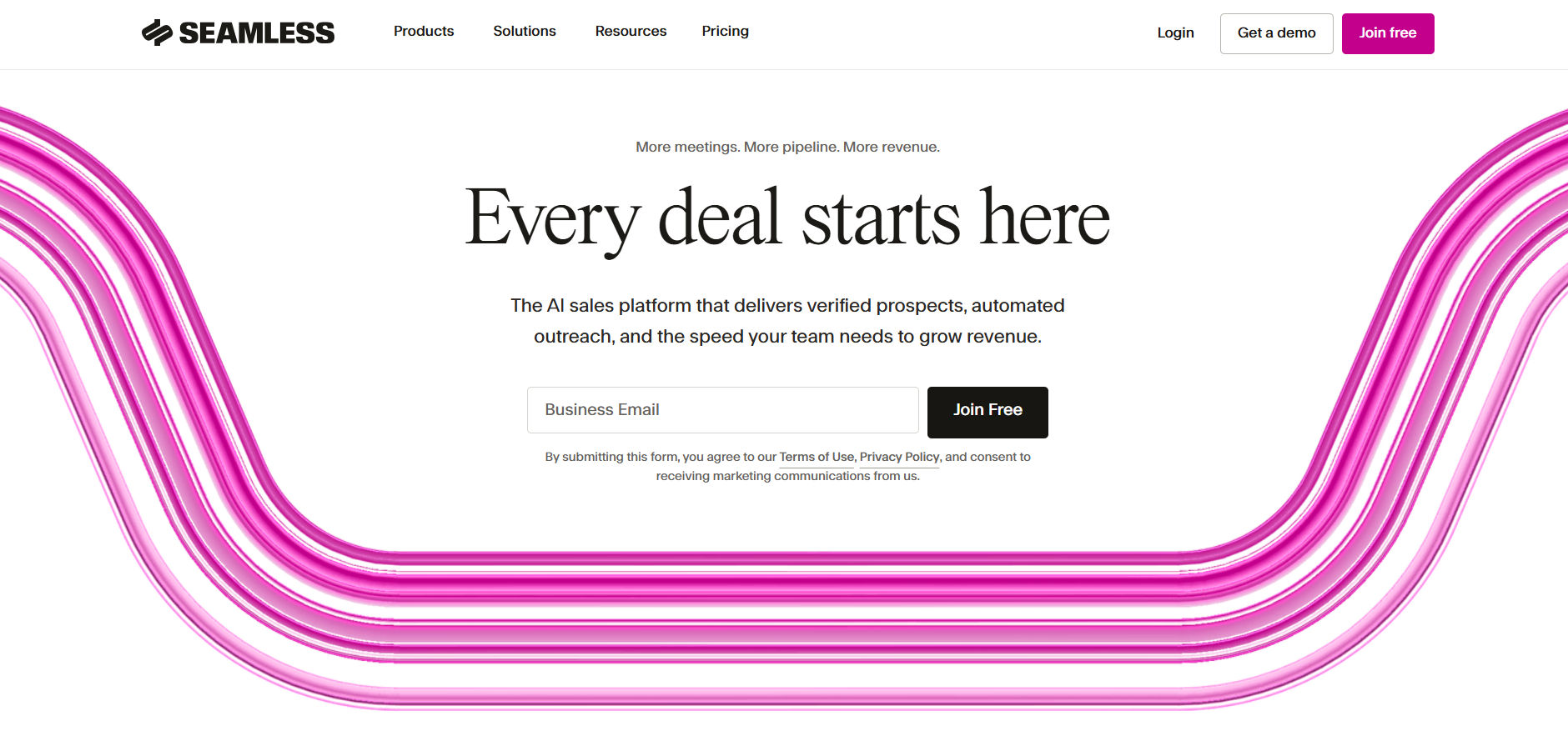
Seamless.AI sells itself as a real-time search engine for B2B contacts, not a static database. Each lookup triggers a live verification pass, which can improve email accuracy but also makes bulk list building feel slower. Paid pricing is currently quote-based after the free tier. The interface can be noisy, and some users dislike spending credits on lookups that do not return usable results.Suggested image: Seamless.AI contact search interface showing verification status, email confidence, and credit usage per lookup.
Best for: Prospecting teams
Ideal team size: 5–200 users
Primary use case: Lead sourcing
10. UpLead
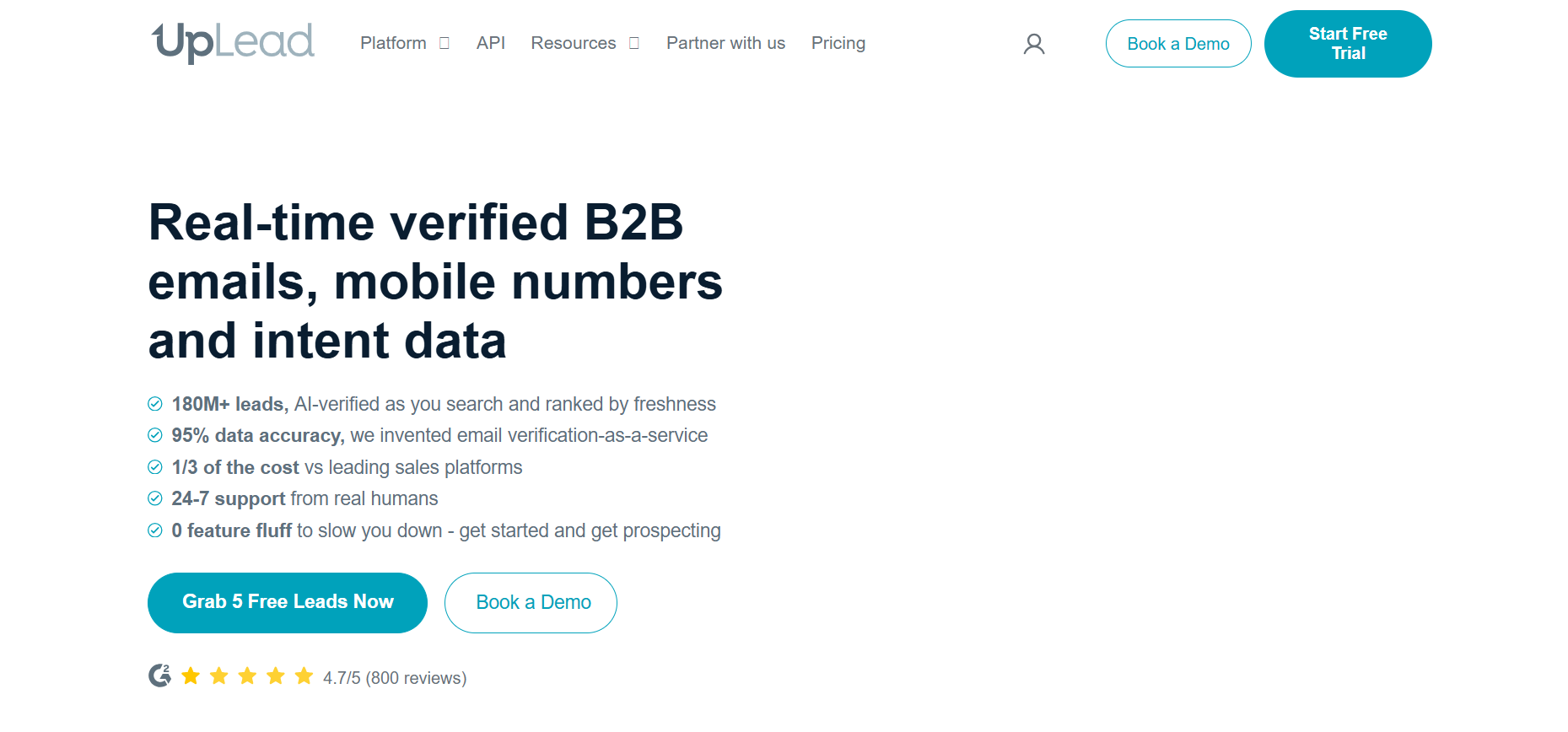
UpLead leads with a simple promise, a 95% accuracy guarantee, or you get the credit back when an email bounces. Treat this as a vendor policy tied to their terms and how they define accuracy, not a universal deliverability outcome for every list. Plans start at $99/mo for 170 credits. The database is not as large as Apollo's or ZoomInfo's, but the accuracy-first model appeals to teams that care more about deliverability than raw volume. The technographic filters (50+ technology categories) are also useful for SaaS sellers targeting specific stacks. If you are comparing multiple contact database tools, UpLead is a solid mid-market option.Suggested image: UpLead lead list builder showing technographic filters, verification badges, and export settings.
Best for: Accuracy-focused teams
**Ideal team size: 1–100 users **
Primary use case: Verified prospecting
11. Hunter.io
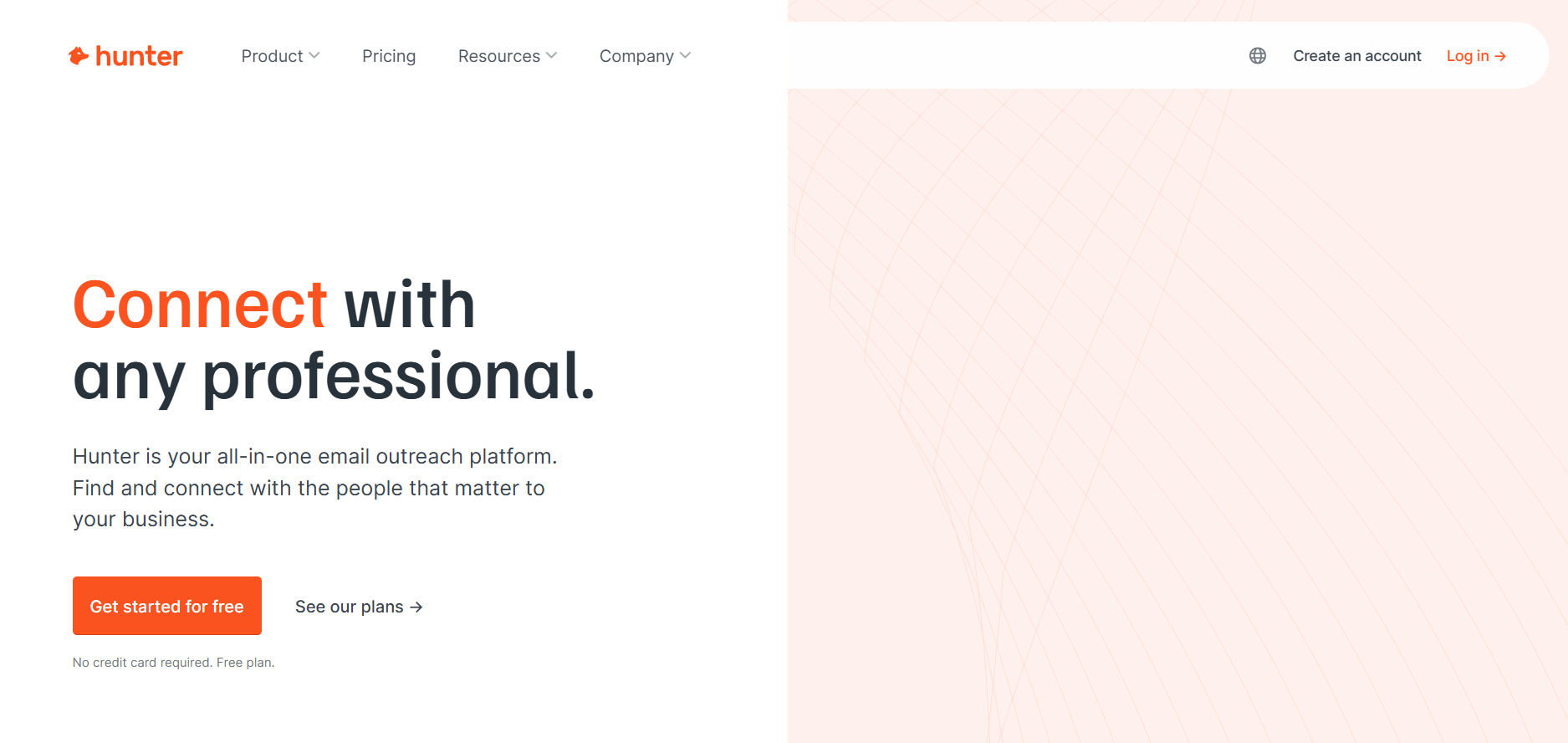
Hunter.io is narrowly focused, and that is why it works, it finds email addresses tied to a domain. Drop in a company URL and it returns common email patterns along with individual addresses and confidence scores. The free plan includes 25 searches per month, and paid plans start at $34/mo. You will not get phone numbers, deeper enrichment, or sequencing, so it is best used as a lightweight utility inside a broader stack.Suggested image: Hunter domain search results showing discovered email pattern, confidence scores, and verification status.
Best for: Freelancers and SMBs
Ideal team size: 1–50 users
Primary use case: Email discovery
12. Lemlist
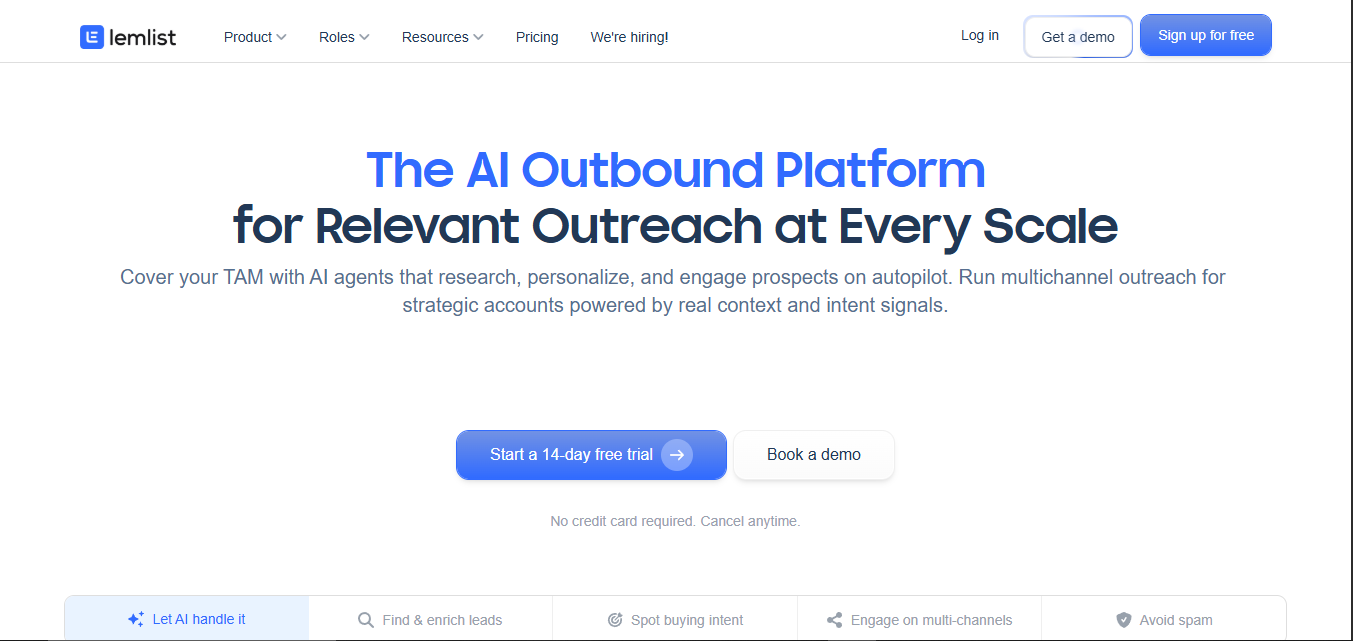
Lemlist has always been about making cold email feel less templated, with personalization features like dynamic images and custom landing pages embedded in messages. Starting at $69/mo, or $55/mo with annual billing, it also includes a built-in B2B database and email warmup. Add the multichannel package (LinkedIn steps plus calls) and the price climbs, but the product starts to look more like a full sequencing platform than a pure email sender.Suggested image: Lemlist campaign editor showing personalization variables, dynamic image preview, and sequence steps.
Best for: Personalized outreach teams
Ideal team size: 1–100 users
Primary use case: Email personalization
13. Reply.io
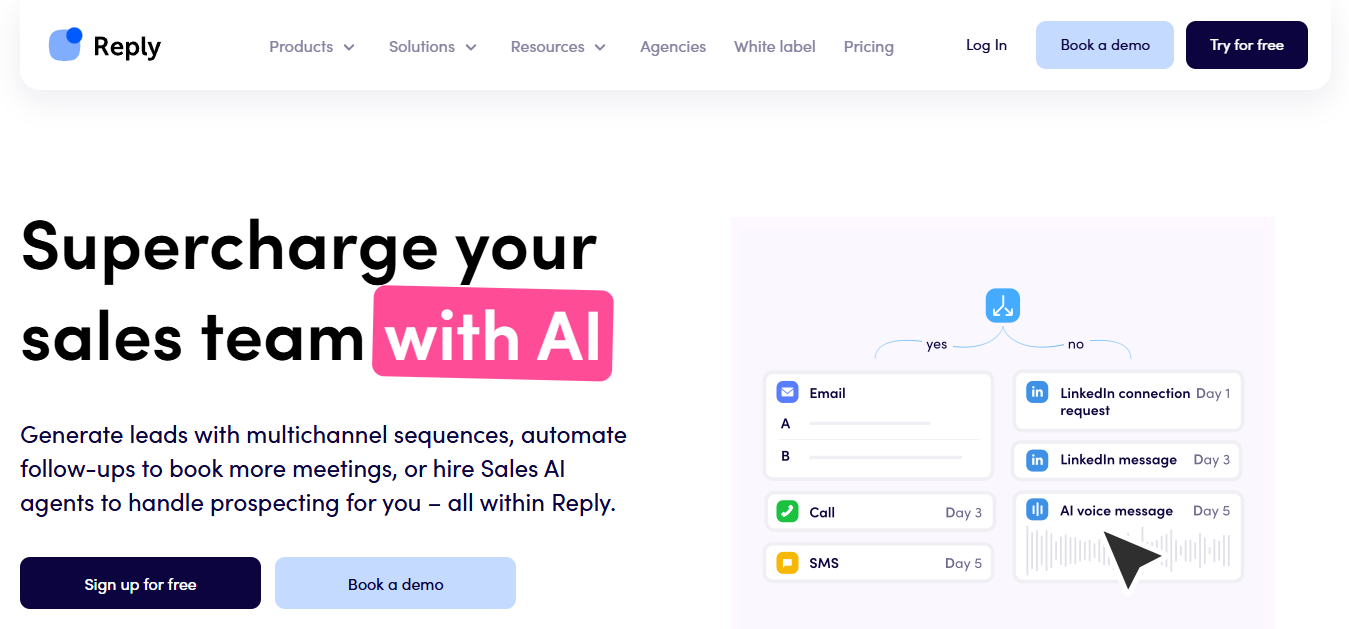
Reply.io has pushed hard into automation with its "Jason AI" SDR agent, positioned to draft personalized emails, handle objections, and book meetings on its own. Plans start at $59/mo on monthly billing, or $49/mo when billed annually. Sequences can span email, LinkedIn, calls, SMS, and WhatsApp, which is useful when your motion is truly multichannel instead of email-only. The built-in database is serviceable, but it is not where Reply.io wins compared to dedicated data providers. A poor fit is a team that needs strict enterprise governance, complex permissions, or deep forecasting analytics from the engagement layer.Suggested image: Reply.io sequence builder showing multichannel steps and an AI-generated email draft panel.
Best for: AI-driven sales teams
Ideal team size: 5–200 users
Primary use case: Multichannel prospecting
14. Woodpecker
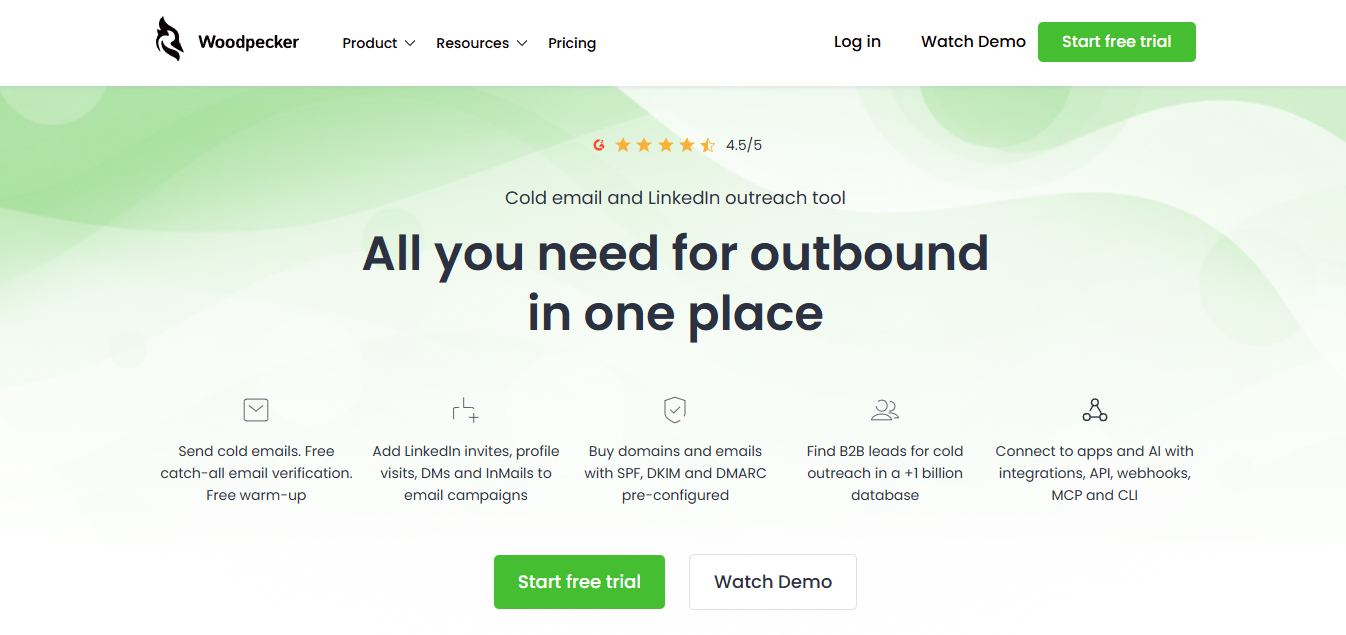
Woodpecker makes a lot of sense for agencies running cold email across multiple clients, largely because of its white-label agency panel. Starting at $29/mo on monthly billing, or $20/mo when billed annually, it is also one of the cheaper ways to get a dedicated outreach platform. The deliverability toolkit (warmup, bounce shield, domain rotation) is solid. You do need to bring your own data, since Woodpecker does not include a built-in contact database. Suggested image: Woodpecker agency dashboard showing multiple client workspaces, campaign status, and deliverability settings.
Best for: Agencies
**Ideal team size: **1–50 users
**Primary use case: **Agency outreach
15. Mailshake
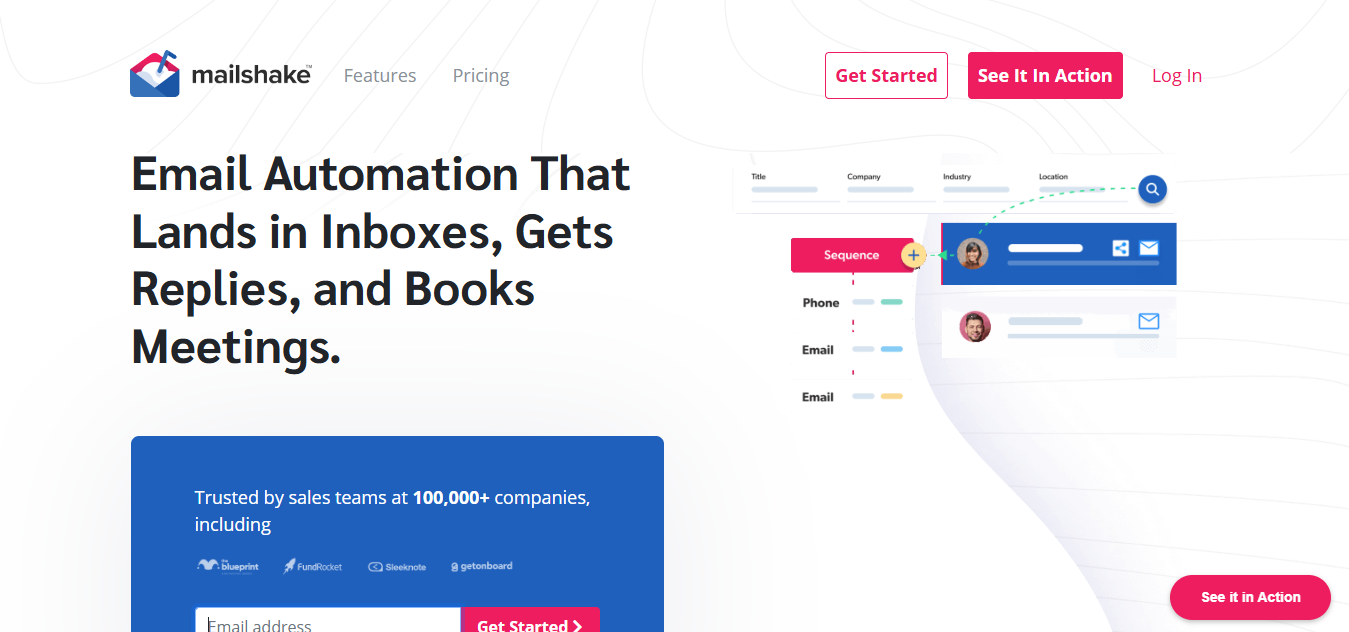
Mailshake is for teams that want outreach without the enterprise scaffolding. Plans start at $25/mo. You get a dialer, LinkedIn automation through a browser extension, and a lead catcher for managing replies. That simplicity is the selling point, and also the limitation, if you need deeper routing logic, reporting, or complex sequencing, you will hit the ceiling fast. Suggested image: Mailshake campaign dashboard showing sequence performance, reply categorization, and dialer panel.
**Best for: **Small sales teams
Ideal team size: 1–50 users
Primary use case: Email campaigns
Sales Intelligence and Revenue Tools
16. 6sense
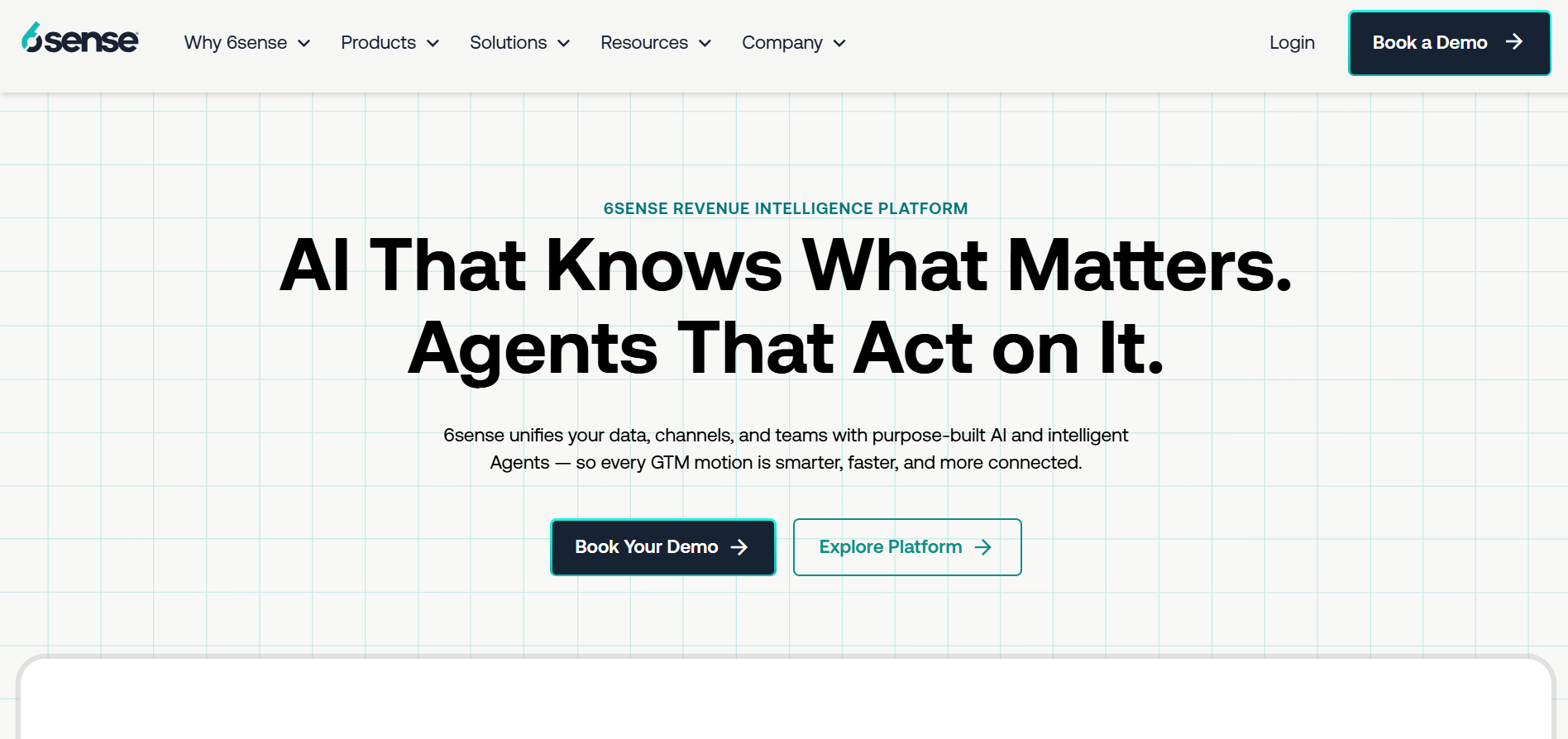
6sense uses predictive analytics and intent data to surface accounts that look "in-market" before they ever fill out a form. It is an ABM platform first, with data as a core input rather than the only product. Pricing is custom and quote-based, so it is primarily aimed at organizations running coordinated marketing and sales plays. In that context, 6sense is valuable because it helps prioritize accounts by buying stage instead of treating every target account as equally urgent. IBM describes sales intelligence as systematically gathering prospect and market data to personalize outreach (IBM, 2024), and 6sense is a scaled implementation of that idea.Suggested image: 6sense account dashboard showing buying stage, intent topics, and recommended next actions for sales and marketing.
Best for: Enterprise ABM teams
**Ideal team size: 100–5000+ users **
Primary use case: Account prioritization
17. Demandbase
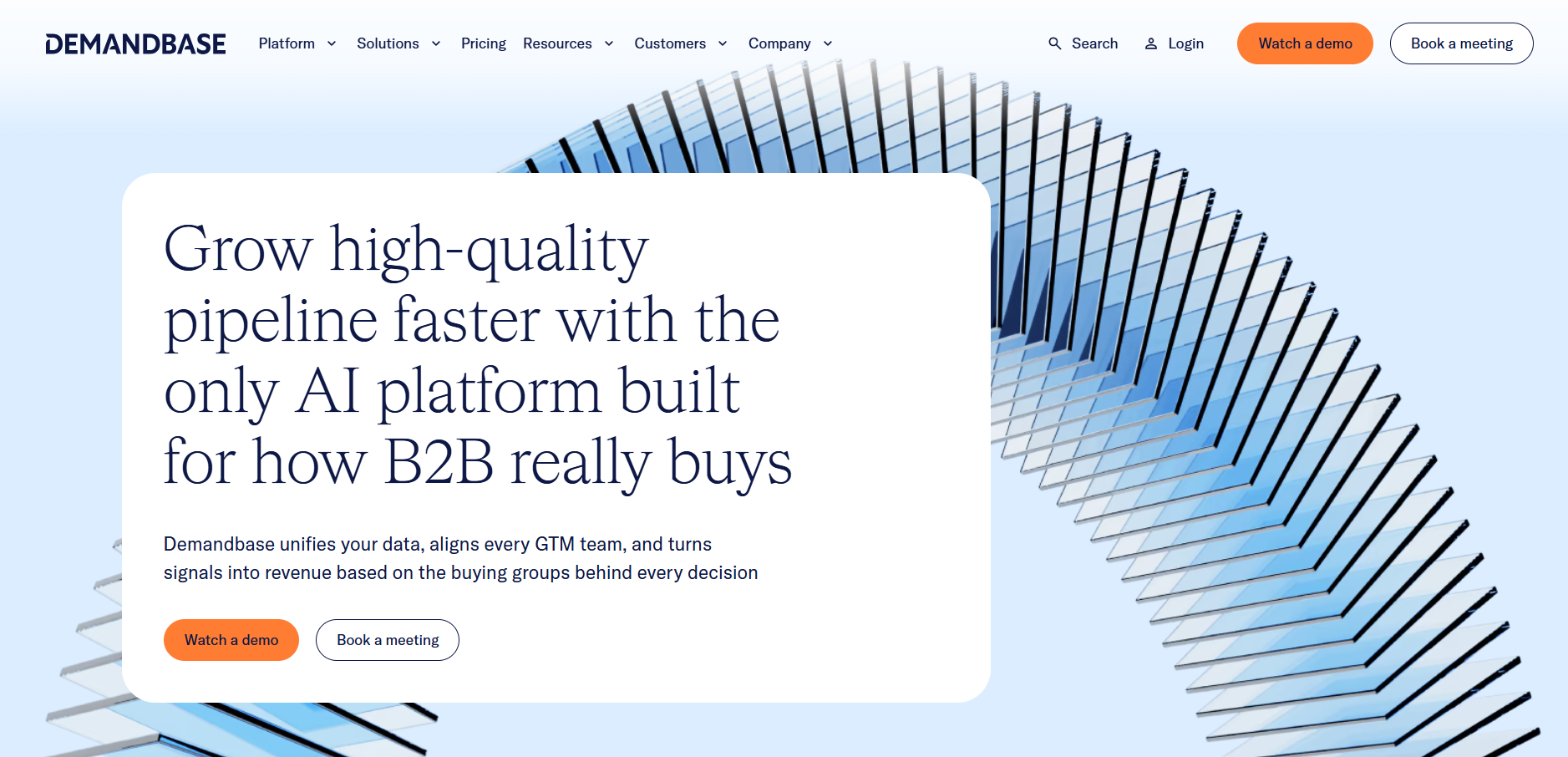
Demandbase plays in the same ABM and intent arena as 6sense, with a stronger tilt toward advertising activation. The workflow is straightforward, identify in-market accounts via intent, serve display ads to those accounts, then hand them to sales when engagement spikes. Pricing is custom and built for enterprise budgets. If your team already has an ABM strategy and the operational muscle to run it, Demandbase's orchestration layer is useful. If you are still nailing ICP fit, it is likely too much platform too early.Suggested image: Demandbase account list view showing intent signals, engagement scores, and ad activation controls.
**Best for: **Mature ABM teams
Ideal team size: 100–5000+ users
**Primary use case: **ABM execution
18. Gong
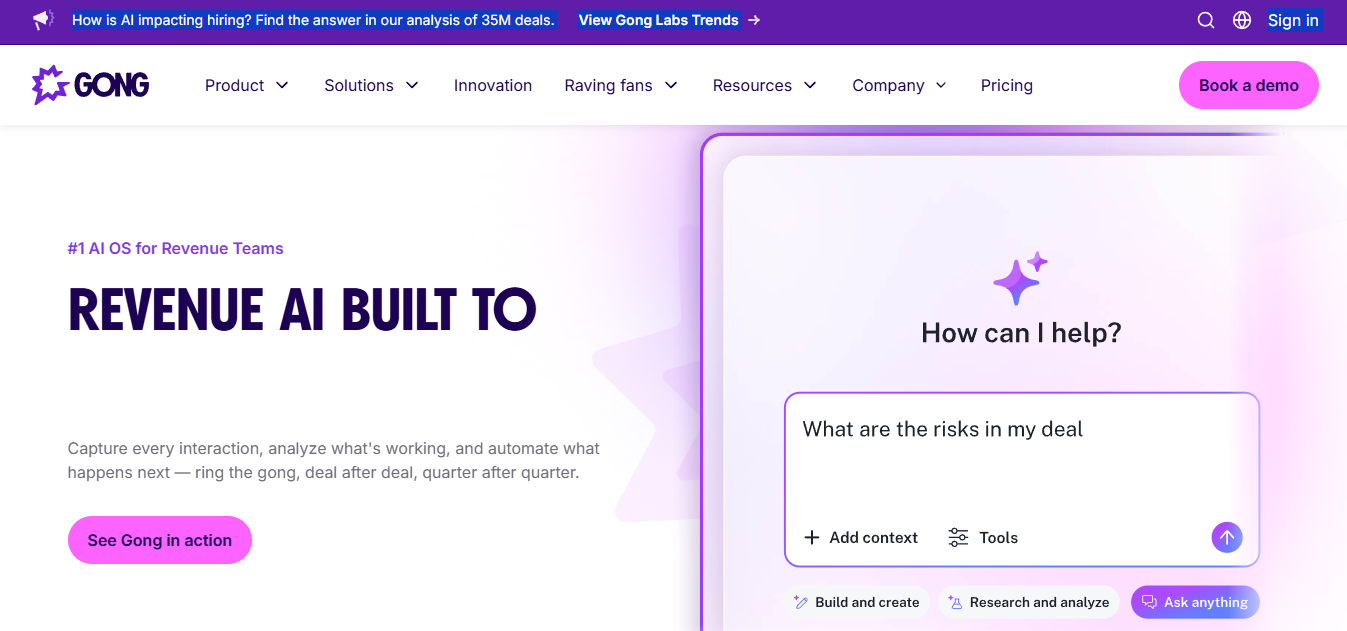
Gong is not a prospecting tool, but it belongs here because it changes what happens after a lead becomes a deal. By recording and analyzing sales calls, Gong flags deal risk, surfaces coaching moments, and captures competitive mentions that would otherwise live in a rep's notes. Highspot notes that AI-powered sales intelligence platforms can expose the factors that influence outcomes during active deals (Highspot, 2026). Pricing is custom and depends on per-user licenses plus a platform fee. It is a better fit for mid-market and enterprise teams with enough call volume to generate signal, not noise.Suggested image: Gong deal dashboard showing call snippets, risk flags, and timeline of buyer engagement.
Best for: Revenue teams
Ideal team size: 20–5000+ users
Primary use case: Call intelligence
19. Chorus.ai
Chorus.ai (acquired by ZoomInfo) covers much of the same conversation intelligence ground as Gong, and it is often easier to buy if you are already in a ZoomInfo contract. For existing ZoomInfo customers, Chorus is usually the obvious add-on. Suggested image: Chorus.ai conversation view showing transcript, talk ratio, and keyword or competitor mention tracking.
Best for: Conversation intelligence teams
Ideal team size: 20–1000+ users
**Primary use case: **Conversation analysis
Data Enrichment and Intent Data Platforms
20. Clearbit (HubSpot Data Enrichment)
HubSpot bought Clearbit in late 2023 and rebranded it as Breeze Intelligence. For HubSpot customers, the practical outcome is native enrichment (firmographics, technographics, employee count, revenue) applied directly to CRM records without bolting on another vendor. If you are not on HubSpot, a lot of the appeal drops off because the API and standalone product have been deprioritized. If your CRM is HubSpot, Clearbit enrichment is now basically table stakes.Suggested image: HubSpot contact record showing Breeze Intelligence enrichment fields populated (company size, industry, tech stack) and an enrichment status indicator.
**Best for: **HubSpot users
**Ideal team size: **10–1000+ users
Primary use case: CRM enrichment
21. Bombora
Bombora is one of the most commonly integrated intent data providers in B2B, largely because its signals plug into so many downstream systems. Company Surge shows which accounts are consuming content on specific topics at rates above their normal baseline. Bombora data flows into Salesforce, 6sense, Demandbase, and plenty of other tools. Pricing is custom and usually enterprise-level. The signal is account-level, not contact-level, so you still need a contact database to turn intent into an actual outreach list. For a ranked view of the category, see the best intent data tools in 2026.Suggested image: Bombora Company Surge dashboard showing surge topics, account list, and activation destinations (CRM or ad platforms).
Best for: Enterprise GTM teams
Ideal team size: 100–5000+ users
Primary use case: Intent monitoring
22. Outreach
Outreach is the enterprise sales engagement layer for running email, phone, LinkedIn, and SMS sequences with tight analytics. It is not where leads come from, it is where your plays get executed once data tools have done their job. Pricing is custom and available by quote. The product shines on sequence analytics, A/B testing, and manager reporting. For smaller teams, that same depth can feel like overhead.Suggested image: Outreach sequence analytics view showing step-level performance, A/B test results, and team activity reporting.
**Best for: **Enterprise sales teams
Ideal team size: 20–2000+ users
Primary use case: Sales engagement
Website Visitor Identification
23. Leadfeeder (Dealfront)
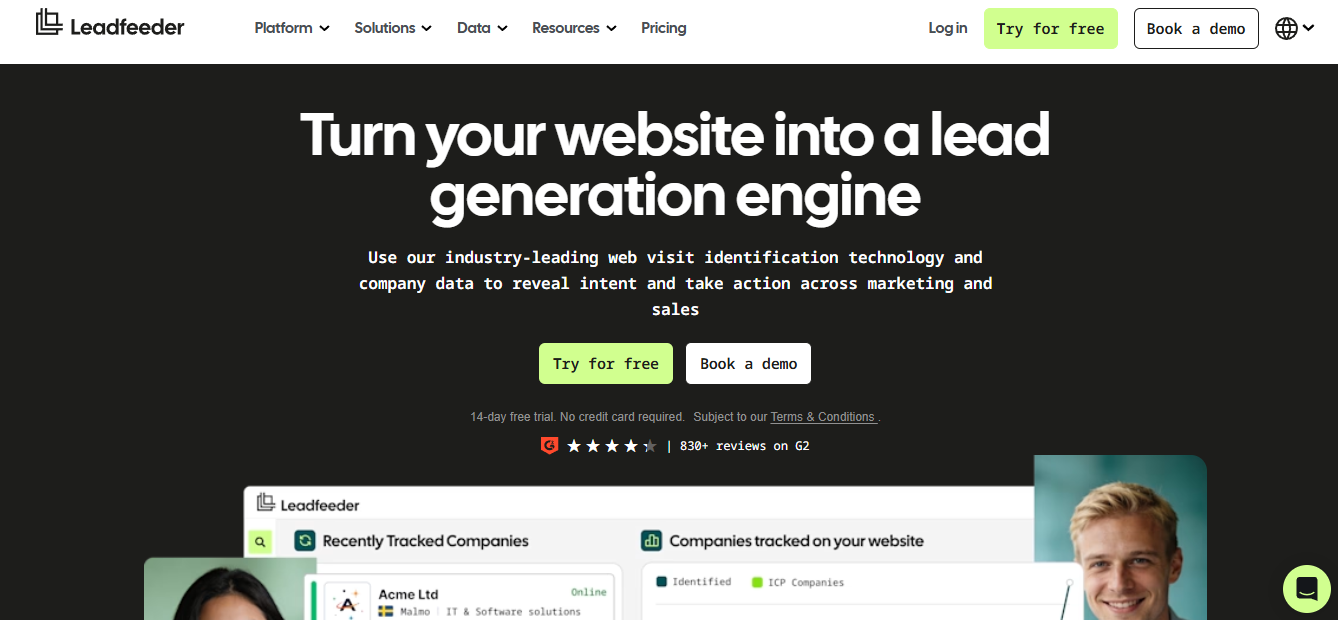
Leadfeeder (now part of Dealfront) uses reverse IP lookup to tell you which companies are hitting your site. The free plan shows the last seven days of visitors, and paid plans start at €79/mo when billed annually.It integrates with most CRMs and can fire Slack alerts when target accounts show up. The limit is structural, you get company identification, not the individual, so you still need a follow-on step to find the right contact inside the account.Suggested image: Leadfeeder visitor feed showing identified companies, visited pages, session timelines, and CRM or Slack routing options.
**Best for: **Website-driven businesses
**Ideal team size: **5–200 users
Primary use case: Visitor identification
24. Warmly
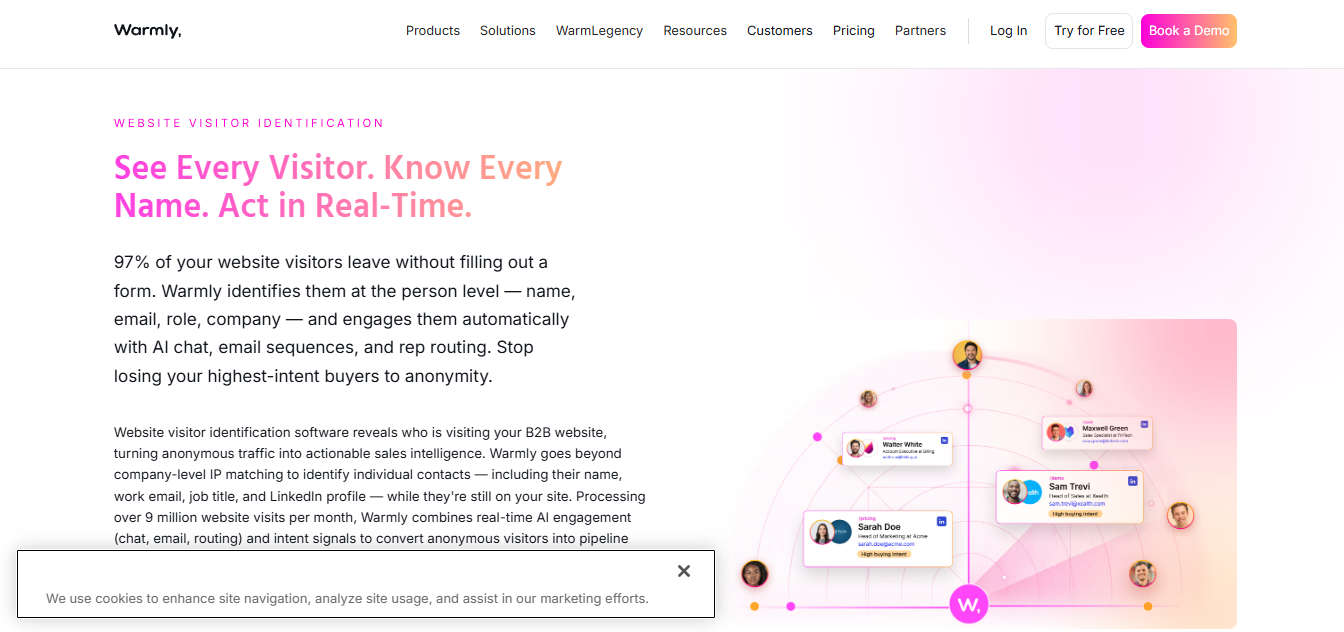
Warmly tries to push visitor ID past the company level by identifying individual visitors and routing them to reps in real time through chat or video. It also layers Bombora intent data and Clearbit enrichment on top of sessions. The free plan covers basic identification, while advanced capabilities are quote-based. Warmly fits best when you have meaningful high-intent traffic (pricing pages, demo pages) and you want to convert that intent while it is still hot.Suggested image: Warmly real-time visitor panel showing identified visitor details, intent indicators, and routing to a rep via chat or meeting link.
Best for: Website conversion teams
**Ideal team size: **5–200 users
**Primary use case: **Visitor engagement
25. RB2B
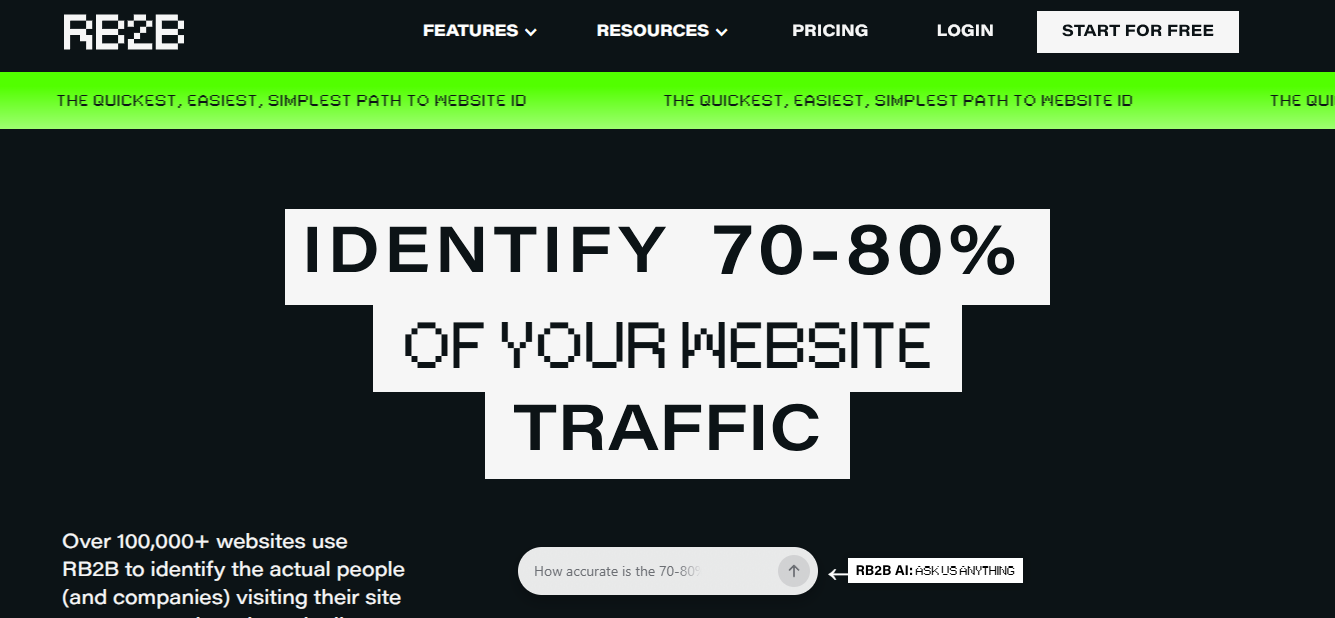
RB2B is focused on person-level visitor identification for US traffic. When it finds a match, it pushes visitor profiles into Slack so reps can see who is browsing and act quickly. A free company-level plan is available, and paid plans with person-level identification start at $79/mo. The trade-off is coverage, person-level ID is limited to US visitors, and match rates swing depending on where your traffic comes from. If you sell globally, Leadfeeder or Warmly usually offers broader reach. Suggested image: RB2B Slack alert example showing a visitor profile, company, pages viewed, and a suggested next action for the SDR.
Best for: US-based B2B teams
Ideal team size: 1–100 users
**Primary use case: **Visitor tracking
CRM and Marketing Platforms
26. HubSpot Marketing Hub
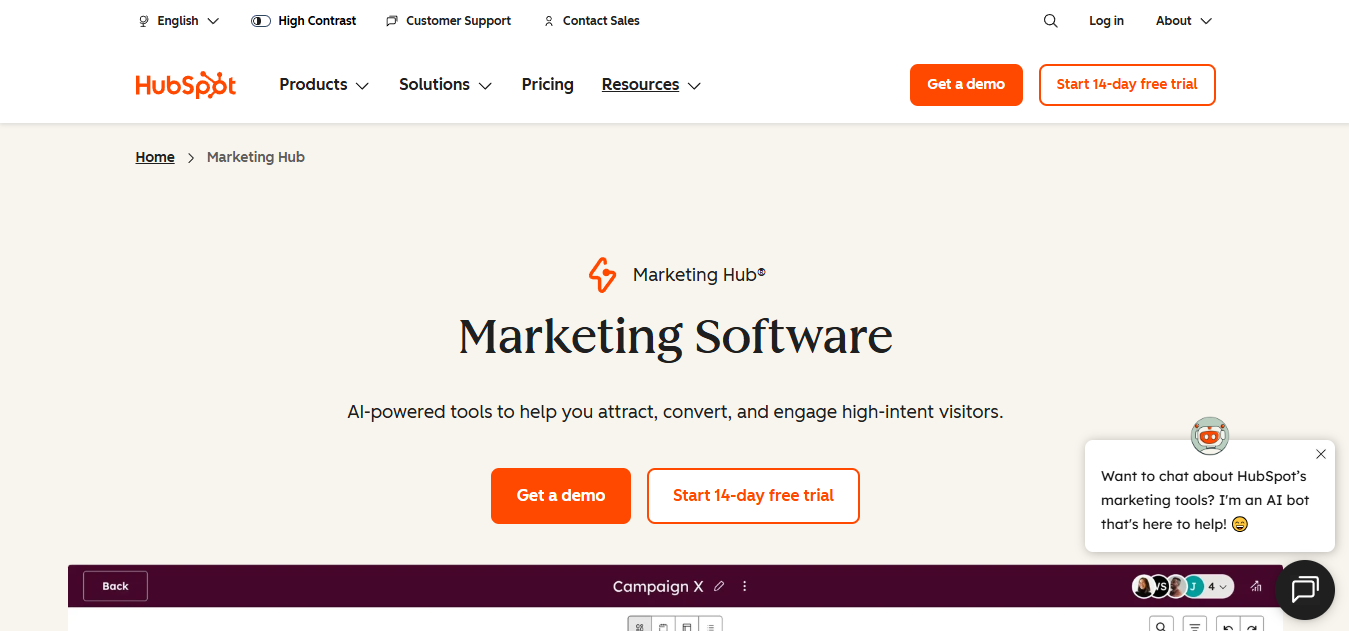
HubSpot Marketing Hub is the default inbound lead generation platform for a lot of SMB and mid-market teams because it bundles the basics in a way that is hard to break. The free CRM is genuinely usable, and the Marketing Hub adds landing pages, email automation, lead scoring, and attribution. Professional starts at $800/mo, which is a real step up for small teams, but you get serious automation in return. With Breeze Intelligence (Clearbit) now included, HubSpot customers also get native enrichment without another contract. If you are building scoring and routing inside your CRM, this walkthrough on how to set up lead management lays out the mechanics.Suggested image: HubSpot workflow automation screen showing lead scoring, lifecycle stage updates, and routing to sales based on form fills or intent.
Best for: Inbound marketing teams
Ideal team size: 1–1000+ users
Primary use case: Inbound lead generation
27. Salesforce Sales Cloud
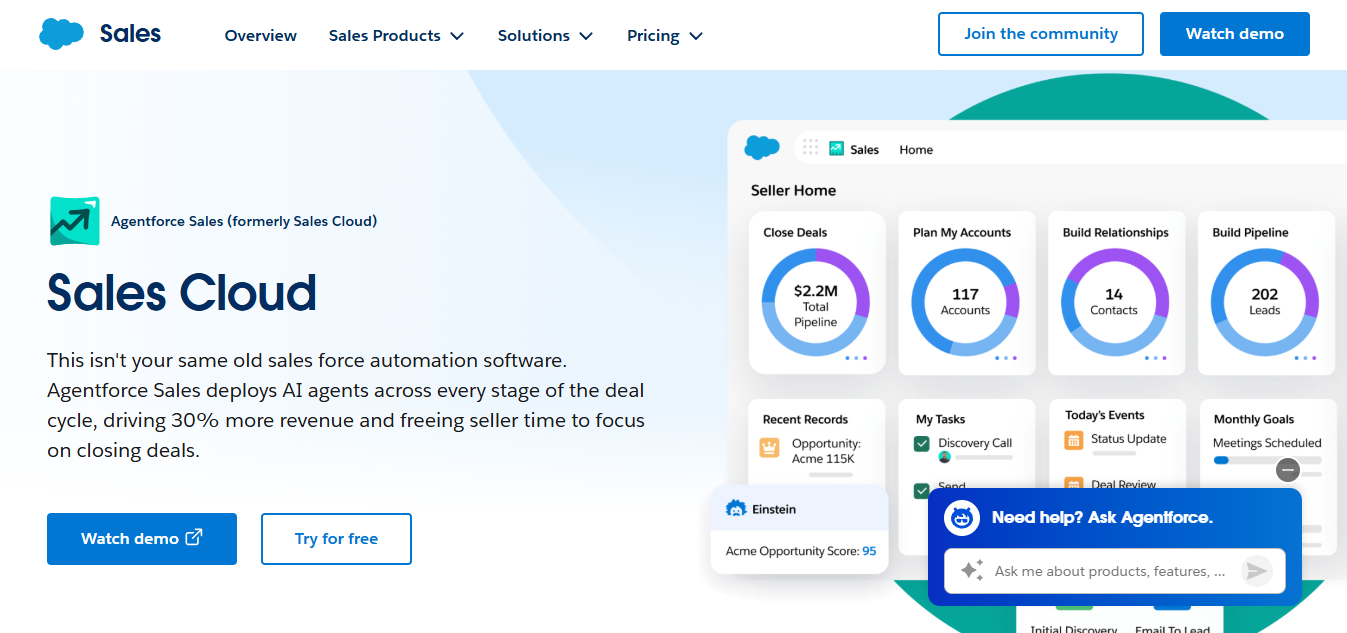
Salesforce does not need a reintroduction, it is the CRM most enterprise stacks orbit. Sales Cloud starts at $25/user/mo (Starter), while Enterprise is currently $175/user/mo. In lead generation terms, Salesforce is less about sourcing and more about orchestration, it is where prospecting tools and buying signals get normalized into a system reps can actually run. Industry surveys suggest sales intelligence software has become a standard part of modern B2B sales workflows, and Salesforce is typically where those signals get reconciled into pipeline.Suggested image: Salesforce lead record showing mapped enrichment fields, lead status, assignment rules, and an activity timeline from outreach tools.
**Best for: **Revenue operations teams
Ideal team size: 20–5000+ users
Primary use case: Pipeline management
28. Pipedrive
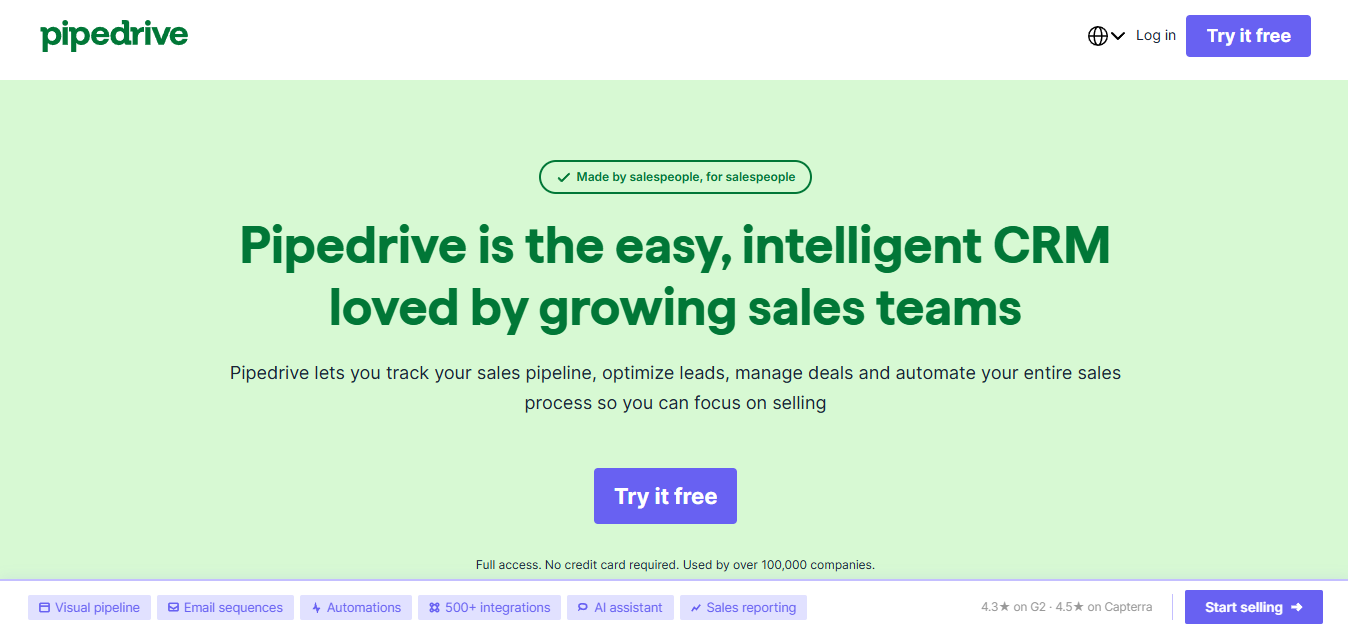
Pipedrive is the CRM for teams that value speed and visual clarity over endless configuration. The Kanban-style pipeline makes deal tracking easy, and plans start at $14/user/mo. It does not have the reporting and automation depth of Salesforce, Suggested image: Pipedrive pipeline board showing deal stages, activity icons, and a lead inbox or automation rule panel.
**Best for: **SMB sales teams
**Ideal team size: **1–100 users
Primary use case: Deal tracking
Email Finders and Niche Prospecting Tools
29. Voila Norbert
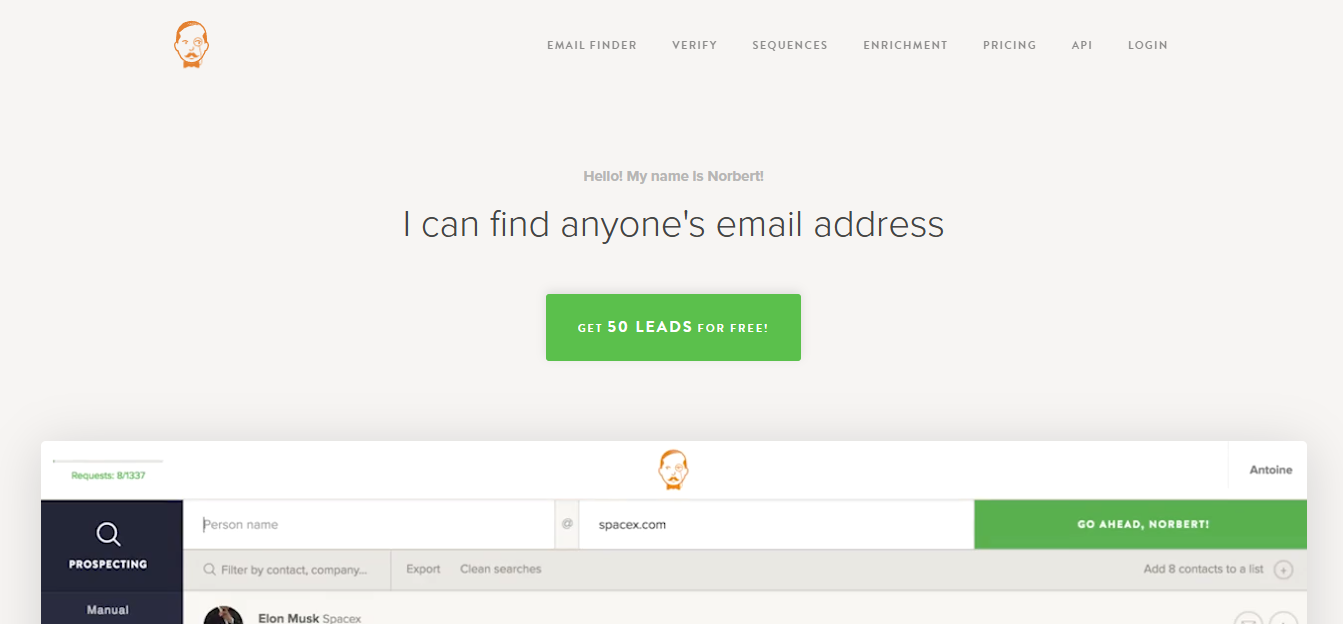
Voila Norbert is an email finder that stays in its lane, clean API, bulk finding, bulk verification. Plans start at $49/mo for 1,000 leads. It is not trying to be a full prospecting suite, which is exactly why many teams like it. Feed it names and domains through the API and it returns verified emails. Accuracy is competitive with Hunter.io. Suggested image: Voila Norbert bulk enrichment screen showing input columns (name, domain), verification results, and export options.
Best for: Email verification teams
Ideal team size: 1–50 users
Primary use case: Email verification
30. FindThatLead
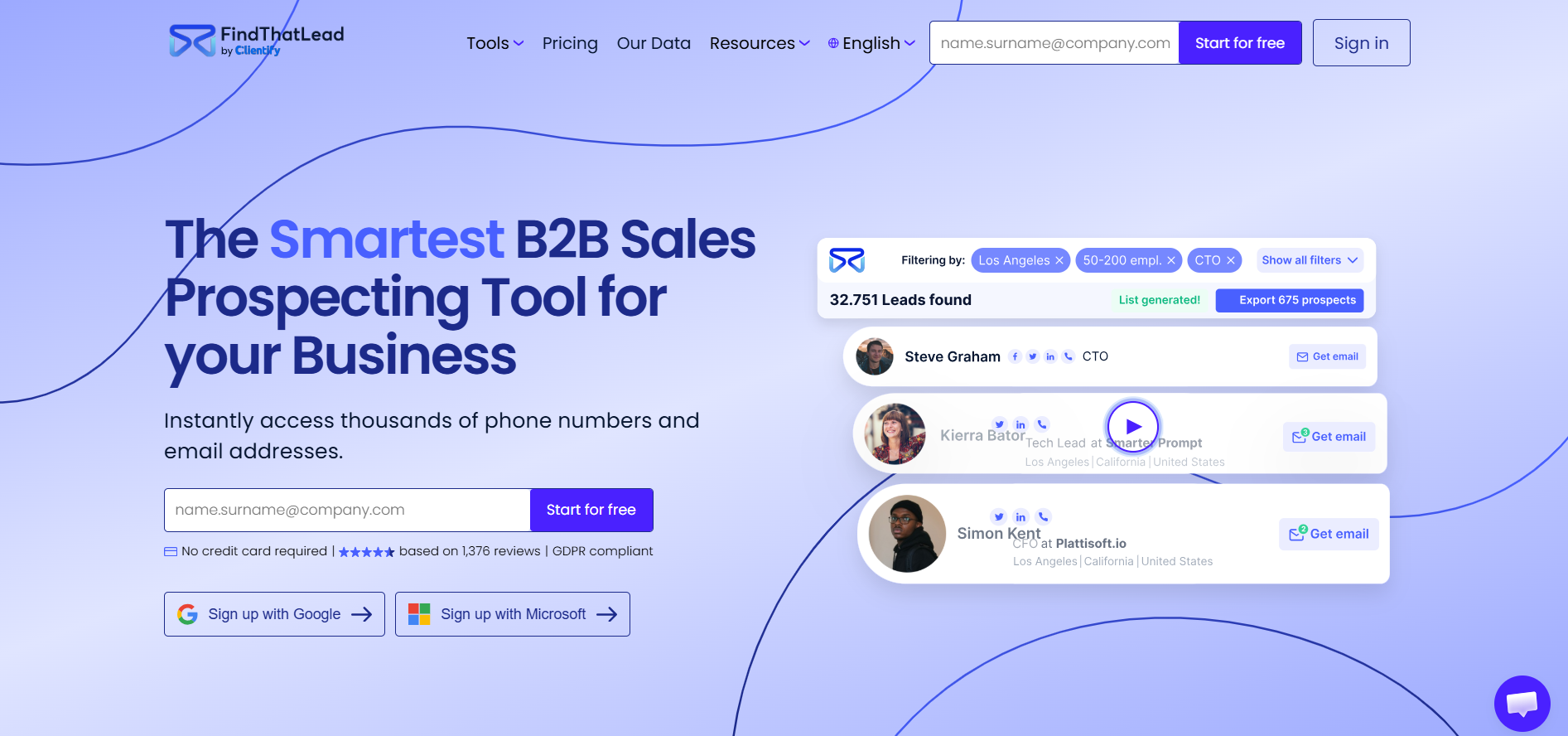
FindThatLead bundles email finding, verification, and basic cold email sending into one budget-friendly package starting at $41/mo. The Chrome extension works across LinkedIn and company sites, which keeps list building lightweight. The database is smaller than Apollo's or Seamless.AI's, but for bootstrapped teams that need an all-in-one prospecting tool without enterprise pricing, it gets the job done. Suggested image: FindThatLead Chrome extension capture on a LinkedIn profile plus a campaign list view showing verification and send status.
Best for: Budget-conscious teams
Ideal team size: 1–50 users
**Primary use case: **Lead discovery
31. Common Room
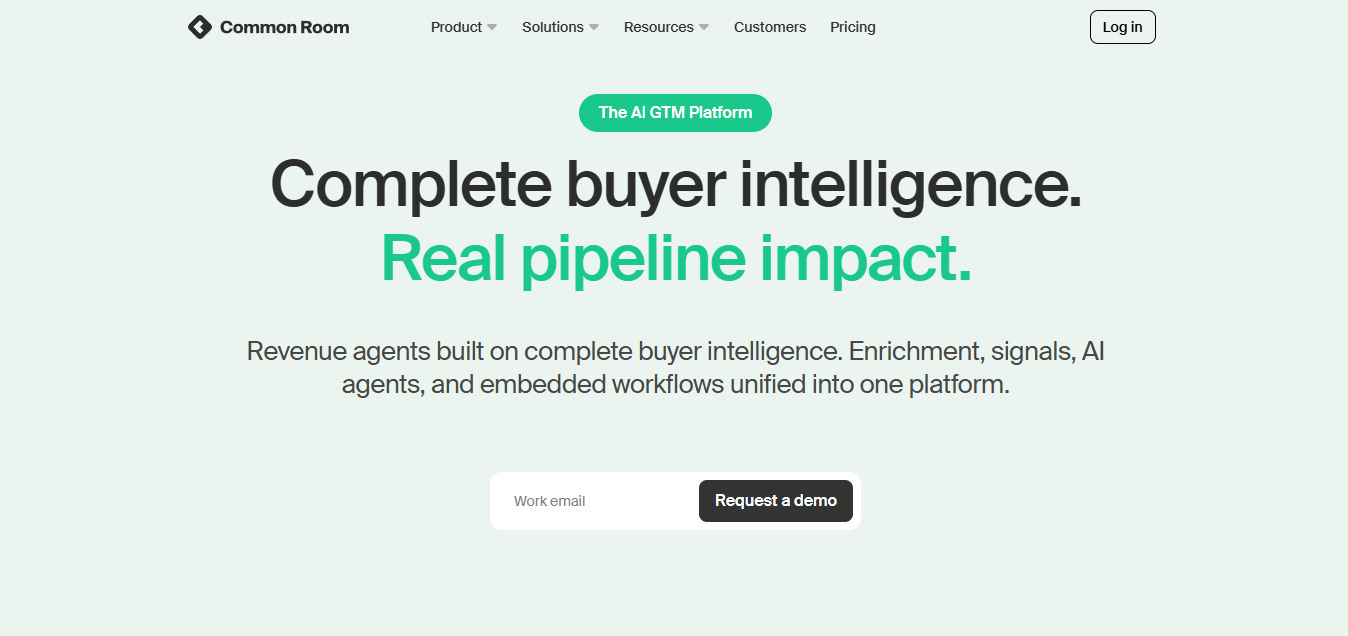
Common Room pulls signals from community platforms (Slack, Discord, GitHub), product usage, social media, and CRM data into unified person and account profiles. It is designed for product-led growth (PLG) teams that want to spot high-intent users and route them to sales before the moment passes. The Essential plan starts at $2,500/mo billed annually, while Advanced and Enterprise pricing is custom. If your best leads come from community and product signals rather than cold outbound, Common Room covers ground that traditional prospecting tools largely ignore.Suggested image: Common Room unified profile view showing community activity signals, product events, and an account scoring panel with routing actions.
Best for: PLG teams
Ideal team size: 10–1000+ users
**Primary use case: **Signal aggregation
Buyer Considerations When Choosing B2B Lead Generation Software
Data quality beats raw database size almost every time. When you evaluate vendors, ask for bounce-rate benchmarks and validation methodology, not just record counts.
Coverage is not a single number, it is a fit question. A provider that is strong in US tech can be thin in EMEA manufacturing, or skew toward junior titles when you need VP+. Map your ICP by geography and seniority, then test vendors against a sample list before you sign an annual contract.
Compliance is where "good enough" turns into real risk. GDPR, CCPA, and shifting privacy rules mean a vendor's sourcing methodology matters as much as the fields they sell you. Providers like Cognism and Lusha publish compliance frameworks, others are harder to pin down. Ask how data is sourced, whether consent is tracked, and whether the vendor holds SOC 2 certification.
Pricing model is not just finance, it shapes behavior. Credit-based tools (Apollo, UpLead, Bitscale) let you ramp usage for a campaign sprint and pull back later. Seat-based models (Outreach, Salesforce) climb with headcount, which is fine if every seat is produced. Annual contracts with minimum commitments (ZoomInfo, Cognism) only make sense when you are confident the tool will stay embedded in your workflow month after month.
Conclusion: Matching Tools to Your GTM Motion
There is no single platform that covers every b2b lead generation requirement end to end. The right stack depends on team size, ICP geography, budget, and whether your motion leans inbound, outbound, or a mix.
Recommended picks by use case:
- Best for enrichment + workflow automation: Bitscale (combines lead sourcing, enrichment, intent signals, and AI research without requiring five separate tools).
- Best all-in-one for SMBs: Apollo.io (prospecting + sequencing + dialer in one seat).
- Best for enterprise sales intelligence: ZoomInfo (deepest database, broadest intent and technographic coverage).
- Best for EMEA compliance: Cognism (phone-verified mobiles, GDPR-first approach).
- Best for RevOps power users: Clay (waterfall enrichment across 75+ providers).
- Best for high-volume cold email: Instantly.ai (deliverability infrastructure at $30/mo).
- Best for inbound lead gen: HubSpot Marketing Hub (landing pages, forms, scoring, and native enrichment).
- Best for PLG signal capture: Common Room (community, product, and social signals unified).
Start with a gap audit of what you already have. If CRM records are stale, fix enrichment before you buy another outreach tool. If data is solid but reply rates are weak, invest in personalization and sequencing discipline. If you cannot tell which accounts are actually in a buying cycle, add intent so reps stop treating every target as equally urgent.Team size matters. Small teams usually win with fewer tools that reduce context switching, for example an all-in-one prospecting and sequencing tool, or a workflow platform that combines sourcing, enrichment, and routing. Mid-market teams often need stronger governance, deduplication, and CRM field mapping because multiple pods touch the same accounts. Enterprise teams typically optimize for compliance posture, admin controls, and system reliability under volume.Budget and GTM maturity matter too. If you are still validating ICP, avoid long contracts and prioritize tools with flexible usage so you can iterate. If you have a proven motion and high outbound volume, invest in data quality and workflow automation first, then add intent and visitor identification to improve prioritization. Workflow complexity is the final filter. If you need multi-step enrichment, validation, scoring, and routing into CRM and outbound tools, Bitscale is a natural option to evaluate alongside databases and engagement platforms. The best lead generation tools are the ones that remove your current bottleneck, not the ones with the longest checklist.
Frequently Asked Questions
What is the difference between lead generation software and a CRM?
Lead generation software is built to find and qualify new prospects, prospecting, enrichment, and intent signals are the core jobs. A CRM (like Salesforce or HubSpot) is where those leads live once they enter your pipeline, including deal stages, activities, and communication history. Most teams run both, lead gen tools source and enrich contacts, then the CRM becomes the system of record for follow-up and forecasting.
How do I evaluate data quality in B2B contact databases?
Ask for a sample export that matches your ICP, then validate it like you would any production list. Run emails through a verification tool, track bounce rates on a controlled send, and test phone connect rates where direct dials matter. Also check completeness on the fields you actually route on (industry, employee count, seniority). UpLead offers an accuracy guarantee, and other vendors let you test via free tiers.
Are B2B lead generation tools GDPR compliant?
Compliance depends on the vendor, and the differences are not cosmetic. Tools like Cognism and Lusha publish detailed GDPR frameworks and emphasize consent-based sourcing. Others lean more heavily on publicly available data, which is riskier in the EU. Before you process European prospect data, request the vendor's Data Processing Agreement (DPA) and confirm whether they carry SOC 2 certification.
Can I use multiple lead generation tools together?
Yes, and that is the norm once teams scale beyond a single channel. A common stack is a contact database (Apollo, Lusha), an enrichment layer (Clay, Bitscale), an intent provider (Bombora), and an outreach tool (Instantly, Lemlist). The operational requirement is clean handoffs, CRM sync or native integrations, consistent field mapping, and deduplication so you do not create multiple versions of the same lead.
What is intent data and why does it matter for B2B lead generation?
Intent data flags companies that are actively researching topics related to what you sell. Providers like Bombora measure content consumption across a co-op of B2B publishers and identify accounts showing above-baseline interest. That signal helps teams prioritize outreach toward accounts that are already in a buying cycle instead of working the entire TAM with the same urgency.
Read other blogs
All Blogs
12 Best CRM Sync Tools for Revenue Teams in 2026
Compare 12 CRM sync tools for Salesforce and HubSpot, including enrichment, reverse ETL, and automation options for cleaner revenue data.
Sales Data Enrichment: A Buyer's Guide for Modern B2B Teams
Sales data enrichment helps B2B teams improve CRM records, routing, prospecting, and account prioritization. Compare workflows, costs, and vendor fit today.

What Is AI Prospect Qualification? A Practical Guide for Modern Revenue Teams
AI prospect qualification helps revenue teams enrich data, assess ICP fit, prioritize buying signals, and route the right accounts into CRM workflows.