Clay vs ZoomInfo: Which is Better for Data Enrichment & Automation?
Table of Contents
Explore Bitscale
Find decision makers, more insights and contact information about this company on Bitscale
Here's the short version: ZoomInfo gives you a massive proprietary database that works immediately. Clay gives you a flexible enrichment engine you wire up yourself. The wrong pick shows up fast: bounce rates spike, SDRs waste hours on bad numbers, and pipeline that looked full turns out to be noise. This breakdown covers what actually matters (pricing, data quality, automation, and workflow fit) so you can make the call before you're locked in.
Clay: Flexible Enrichment Workflows for Modern GTM Teams
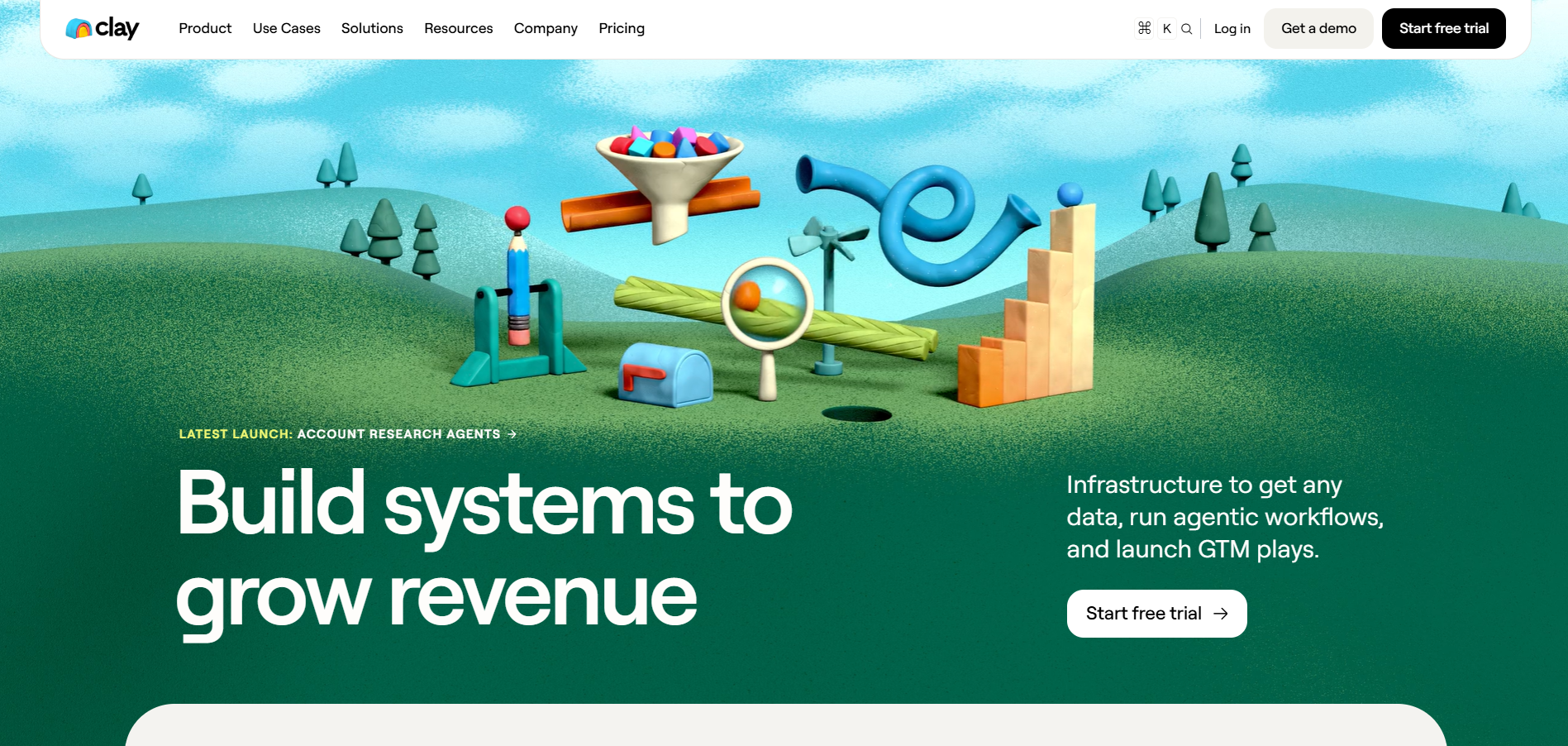
Clay is primarily a GTM orchestration and data-enrichment platform rather than a single-source proprietary database. This is the thing people get wrong most often. It's an enrichment orchestration layer with access to more than 200 data and AI vendors through Clay's marketplace. Sources include Clearbit, Hunter, Apollo, LinkedIn, and dozens more. The key feature is waterfall logic: you build custom workflows that cascade through sources based on rules you define. If one source misses a field, Clay automatically tries the next. But if you don't cap your waterfall retries, you'll burn credits on low-value contacts who were never going to convert anyway.
A common pattern I set up for teams: try Apollo for email, if missing try Hunter, if still missing run a LinkedIn-based fallback, then write a one-line personalization snippet using Clay's AI column. That's 3 to 5 actions per row. It works well. But here's what can be surprising about Clay: how fast you hit the ceiling on free-tier testing. You think you're validating the tool, but you're actually burning credits on your learning curve.
Pricing starts at approximately $185 per month for paid plans, with costs scaling based on credit consumption. This is where teams get wrecked. A multi-step workflow does not automatically consume one Data Credit for every provider attempted: Clay separates Actions from Data Credits, charges provider-specific amounts for successful data purchases, and does not charge for enrichments that return no result. Actual consumption depends on which enrichments return results, the provider-specific Data Credit cost, AI usage and whether you use your own API keys; a four-step waterfall does not automatically cost four Data Credits per contact. See Clay's current pricing tiers before building your first workflow, and start with a small batch (50 contacts, max) to calibrate your credit burn rate.
The real win isn't any single enrichment action. It's the compounding effect when sources cascade correctly. Reducing data gaps without manual intervention is the obvious benefit, but the AI-powered research columns are what I keep recommending: they can summarize company news, write personalized snippets, or score leads automatically, and the output quality is surprisingly good when you constrain the prompt well. Native integrations with CRMs, sequencing tools, and webhooks keep data flowing without CSV exports.
Now for the part I don't see enough people talk about: Clay has a real learning curve, and it's steeper than the marketing suggests. Building a production-grade workflow takes time. Teams without a dedicated RevOps or growth engineer often stall after initial setup. The tool isn't the problem. The resourcing assumption is. Start with two sources, prove the match rate, then layer. Don't build a 7-step waterfall on day one. And always run emails through a deliverability check (ZeroBounce, NeverBounce, whatever you use) before loading them into a sequence. Enriched does not mean verified. I cannot stress this enough.
ZoomInfo: The Enterprise Default (for Better and Worse)
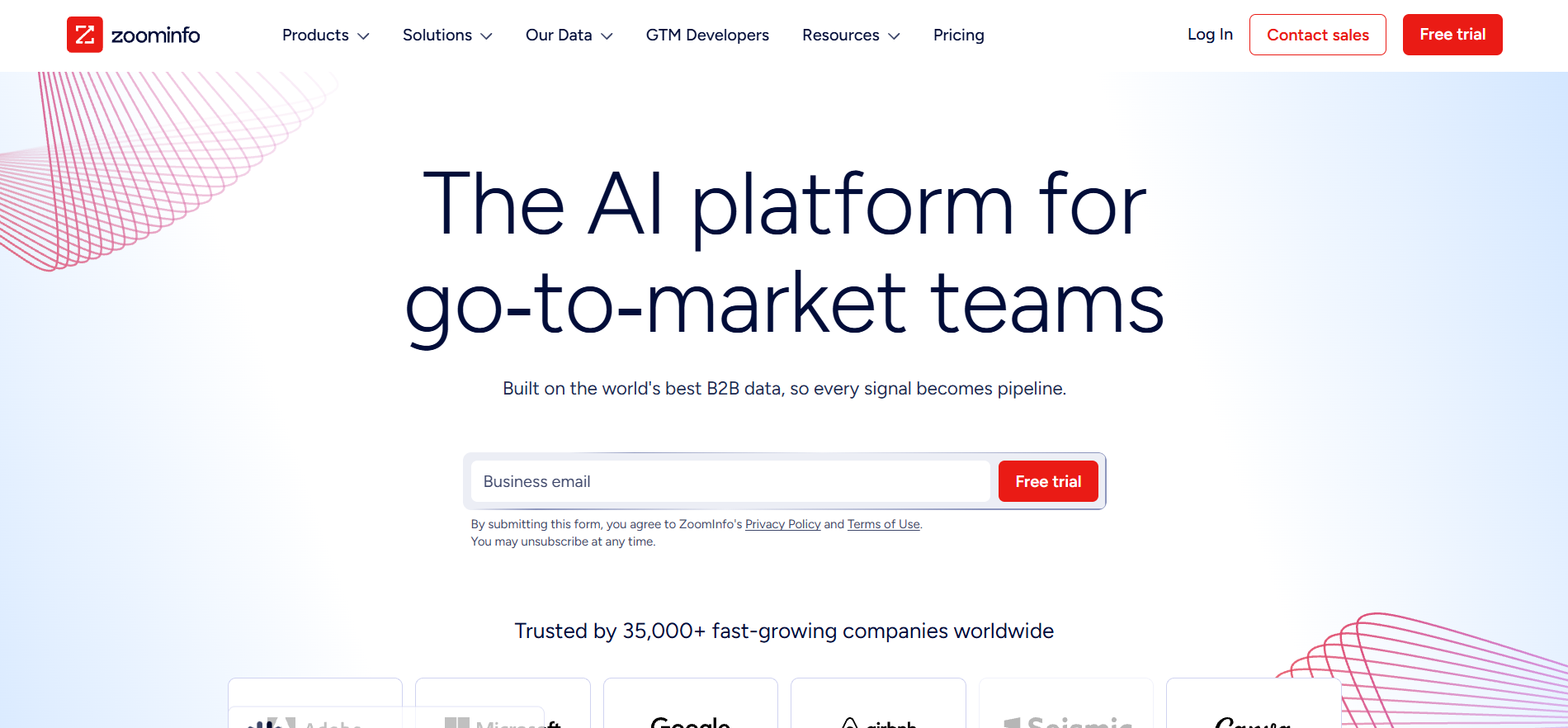
ZoomInfo's core value proposition is its proprietary database: emails, direct dials, org charts, technographic data, and intent signals, all under one roof. Coverage quality varies by geography, industry, company size and target persona, so test ZoomInfo against a representative sample of your own ICP. Test before you trust. I always tell teams to sample-check: pull 100 contacts, run the emails through a third-party verification tool, and test dial connect rates before scaling.
The pricing reflects the enterprise positioning, and honestly, ZoomInfo's sales process is one of the more frustrating experiences in B2B SaaS. They don't publish pricing on their website, so you have to sit through a sales conversation to get a number. ZoomInfo does not publish standard paid-plan prices; pricing is quote-based and varies by package, users, credits, add-ons and negotiated contract terms. Your actual quote will vary based on negotiation, contract length, and bundled features. Contract length, renewal provisions and cancellation terms vary by quote, so review the final agreement before signing.
ZoomInfo genuinely pulls ahead on intent data and buyer signals. The platform's "Streaming Intent" feature tracks content consumption patterns across the web to surface accounts actively researching solutions in your category. For ABM motions where timing matters, this is valuable and hard to replicate. If you know an account is actively evaluating your category, your SDRs can prioritize outreach and tailor messaging with real signal behind it. Combined with its Salesforce and HubSpot integrations, this makes ZoomInfo a strong fit for enterprise SDR teams running account-based plays at scale.
ZoomInfo's export allowances, geographic coverage, seat terms and add-ons depend on the purchased package and contract, so validate each item during evaluation. Because ZoomInfo uses quote-based pricing, calculate your actual contracted cost and validate data quality against your ICP before committing.
Clay vs ZoomInfo: Head-to-Head Comparison
| Criteria | Clay | ZoomInfo |
|---|---|---|
| Pricing (entry-level) | ~$185/month | Actions and Data Credits are priced separately | ZoomInfo does not publish standard paid-plan pricing |
| Data model | Multi-source waterfall enrichment | Proprietary database |
| Data sources | 200+ data and AI vendors in Clay's marketplace | Proprietary data platform with additional data and signal sources |
| Automation depth | High (custom workflow logic, cascading waterfalls) | Moderate (rule-based triggers) |
| Intent data | Via third-party integrations | Native Streaming Intent |
| Ease of setup | Moderate (requires configuration and RevOps skill) | High (ready out of the box) |
| Best for | Teams building custom enrichment workflows with multi-source logic | Enterprise SDR teams running high-volume ABM with intent signals |
| Hidden cost | Separate Action and Data Credit usage, plus provider-specific enrichment costs | Quote-specific users, credits, add-ons and contract terms |
| CRM integration | Native + webhook | Native (Salesforce, HubSpot) |
| Scalability | Scales with credit volume | Scales with seat/tier upgrades |
The row that actually changes decisions is "Hidden cost." Everything else is features. That row is money.
How I'd Test Both in 7 Days
Don't commit to either tool based on a demo or a vendor's case study. Pull 200 accounts and 500 contacts from your actual ICP, not a clean demo segment. Enrich both through Clay (3-step waterfall) and ZoomInfo (standard export). Run every email through ZeroBounce or NeverBounce. Define "usable" upfront: verified email, title match, company match, LinkedIn URL. Count how many records from each tool clear that bar, then divide total spend by usable records. That's your cost per usable contact, the number vendors never want you to calculate.
Alternatives Worth Considering
Apollo.io is the pick for teams that want enrichment and sequencing in one place without managing separate tool stacks. Apollo combines prospecting, enrichment and multichannel sequencing, but total cost depends on the selected plan, users, credits and usage. If your outbound motion runs through the phone, test Apollo's dials carefully before going all in.
Lusha provides contact data, enrichment, workflows, buyer signals, AI-assisted email creation and multistep email sequences through Lusha Engage. Test its data coverage and workflow fit against your own ICP.
Bitscale combines AI prospecting, data enrichment, and outbound automation in a single platform. Bitscale positions its workflows as easier to configure than Clay and publishes self-serve plans, while ZoomInfo uses custom quotes. The integration ecosystem is still growing since it's a newer entrant, so check compatibility with your existing stack first.
Disclosure: Bitscale is the publisher of this article, so factor that into your evaluation.
Verdict: Which Tool Should You Actually Choose?
Choose Clay when your team has the operational capacity to build and maintain custom enrichment workflows and its current pricing model fits your expected usage. The cost structure is more forgiving, the multi-source approach fills more gaps, and the flexibility compounds as you learn your ICP's data patterns. ZoomInfo may be worth evaluating when native intent data and a broader enterprise GTM suite are central requirements. And if you need Clay's flexibility without the configuration overhead, test Bitscale before committing to either.
Quick decision guide: Clay if you have RevOps capacity and need custom enrichment logic. ZoomInfo if you run a large SDR team and need native intent data. Apollo.io if you want enrichment and sequencing in one tool at a lower price point. Bitscale if you want AI-native GTM automation without building from scratch. Contact data changes over time, so define a re-enrichment schedule based on your market, campaign frequency and verification results. Whichever tool you pick, re-enrich before every campaign, not once a quarter.
Read other blogs
All Blogs
12 Best CRM Sync Tools for Revenue Teams in 2026
Compare 12 CRM sync tools for Salesforce and HubSpot, including enrichment, reverse ETL, and automation options for cleaner revenue data.
Sales Data Enrichment: A Buyer's Guide for Modern B2B Teams
Sales data enrichment helps B2B teams improve CRM records, routing, prospecting, and account prioritization. Compare workflows, costs, and vendor fit today.

What Is AI Prospect Qualification? A Practical Guide for Modern Revenue Teams
AI prospect qualification helps revenue teams enrich data, assess ICP fit, prioritize buying signals, and route the right accounts into CRM workflows.